The Direct Answer: Multi-agent autonomous pipelines (orchestrators, planners, coders, and critics) execute rapid recursive loops that can exhaust API quotas and cause sudden financial loss. nRouter isolates each agent role with dedicated virtual keys, establishing hard daily spend caps and independent RPM/TPM rate limits at the gateway layer. If an agent enters an infinite loop, the gateway halts requests before provider egress (HTTP 429
key_budget_exceeded), safeguarding the rest of the pipeline at zero marginal cost.
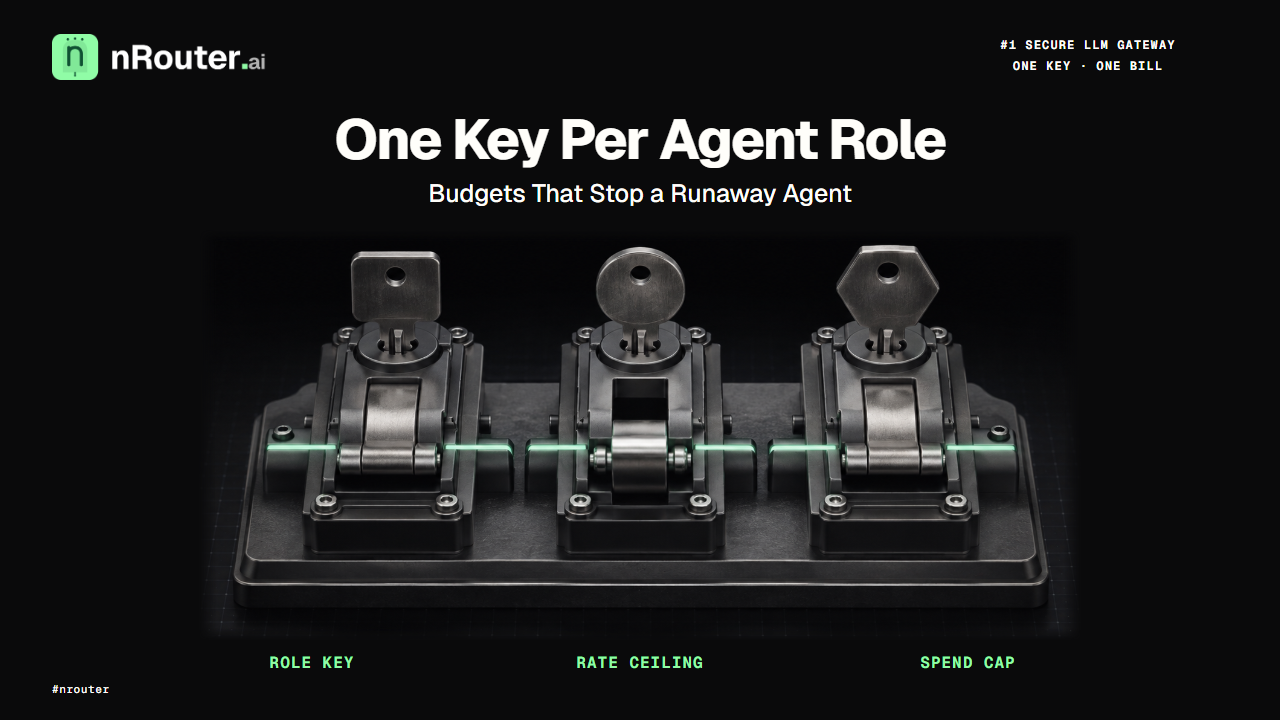
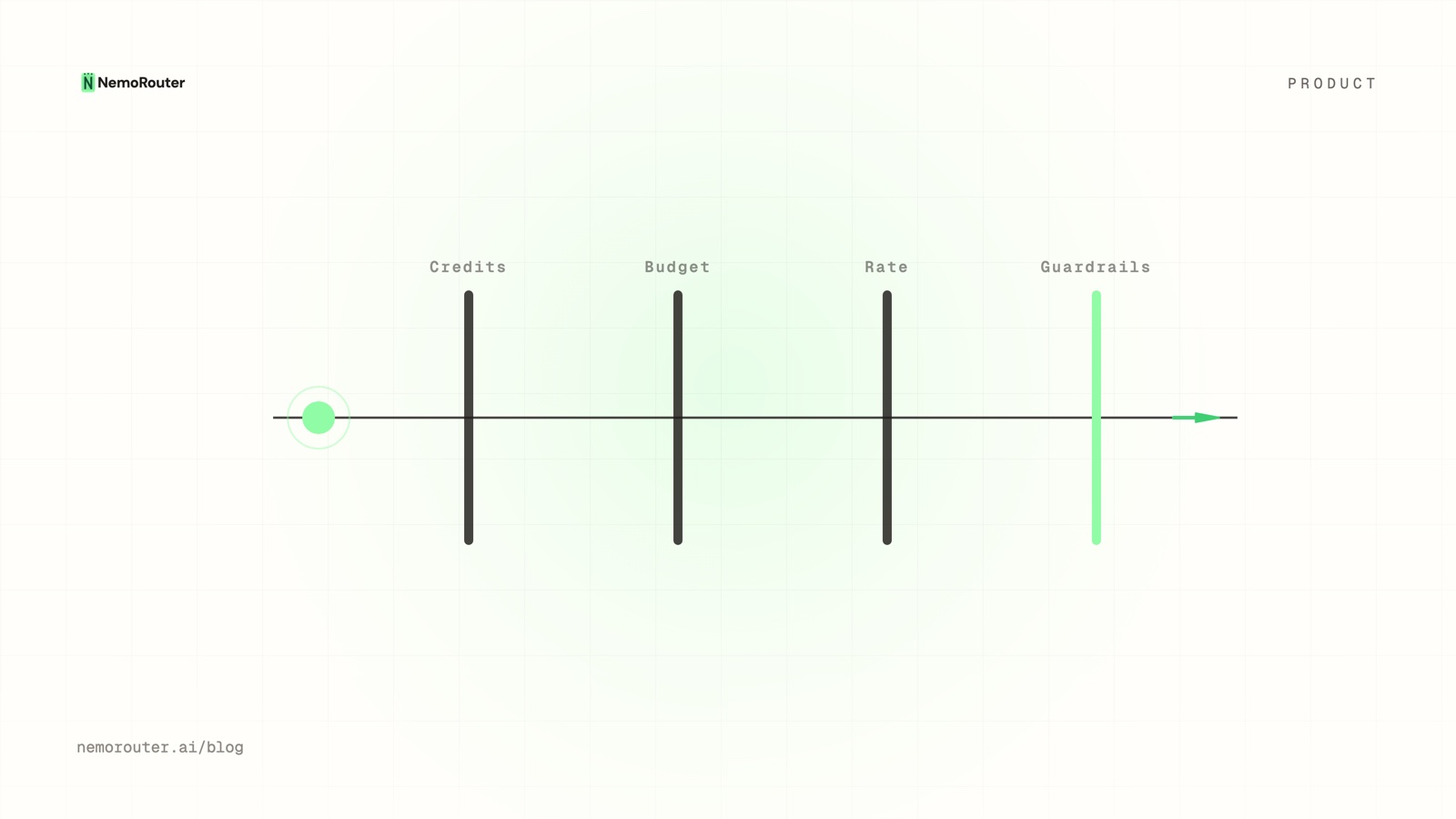
Figure 1: Multi-Agent Isolation Architecture — Scoping independent virtual keys, daily budget caps, and RPM rate limits per agent role to stop runaway loops.
What one key per agent role does
Each logical role in your pipeline — orchestrator, researcher, writer, critic, embeddings — holds its own key with its own rate ceiling and its own spend cap. The ceilings are enforced at the gateway before the request reaches a provider, so a loop bug stops at a number you chose instead of at the number your card declines on. Spend attributes per role automatically, because the key carries the identity.
A chatbot sends one request and waits for a human. An agent sends dozens or hundreds, autonomously, branching on tool results, retrying on failure, and reaching for different models at different steps. That difference is not a matter of degree. It changes which failure modes are cheap and which are expensive, and almost all LLM infrastructure was designed around the first shape.
The specific thing that changes: with a human in the loop, a bug produces a bad answer that somebody notices. Without one, a bug produces a bad answer and then acts on it, several hundred times, overnight. Every control that used to be a convenience becomes a safety mechanism.
The job it does for you
Before: one key, shared by every step of the pipeline. Your spend controls live in application code — a call counter, a cost estimate, an if statement that decides whether to keep going. That code is written by the same people who wrote the agent, ships in the same deploy as the agent, and shares the agent's bugs. When something loops, the guard that was supposed to stop it is inside the thing that is looping. Afterwards, the bill is one undifferentiated number and nobody can say which step spent it.
After: the researcher role has a $15/day cap and a 120 RPM ceiling. The writer has $12/day and 30 RPM. When the researcher loops, it hits its own cap and stops, while the rest of the pipeline keeps working. Nothing in your agent code participated in that decision, which is the point — the enforcement is in a different system from the bug.
And because the key is the identity, the "which step spent it" question answers itself. Spend, latency and error rates break down per role without you tagging anything, which is what turns a post-mortem from an argument into a query. The multi-step version of that attribution problem is worked through in multi-agent cost tracking.
How the ceilings work
Four ceilings sit between an agent and a provider, and each one answers a different question with a different status code. A framework's retry logic must distinguish them or it will hammer a spend cap forever:
| Ceiling | Scope | Status | Code | Client should |
|---|---|---|---|---|
| Rate limit | Requests or tokens per minute | 429 | rate_limit_exceeded | Retry with backoff and jitter |
| Key budget | One key — one agent role | 429 | key_budget_exceeded | Stop. Surface the role and its cap |
| Budget | Org, team or user scope | 402 | budget_exceeded | Stop. Surface the named budget |
| Credit balance | The organization's balance | 402 | — | Stop. This is a billing event, not a bug |
The second row is where agent frameworks fail most often. A 429 looks like a throttle to every off-the-shelf retry wrapper, so a budget-exhausted key gets retried on an exponential backoff schedule forever, filling your logs and never succeeding. Read the code, not the status. The branch to write is in handling 429 and 402, and the reasoning behind sharing a status code between a throttle and a ceiling is in Budgets vs Rate Limits: Pick the Control, Then Set Both. All four scopes together are laid out in the four ceilings every request passes.
A budget block arrives before the provider is called, so a stopped agent costs nothing beyond the request that was refused. The credit mechanism underneath — a hold placed before egress and settled after, which is why a balance cannot go negative under concurrent load — is reserve-and-settle.
Set it up: one key per role
The pattern is one virtual key per logical role, not per environment, per developer or per deploy. A role is the unit you would want to bound, throttle, attribute and revoke independently — which is exactly the definition of a key's blast radius, argued in Virtual Keys vs Master Key: Scoping a Key Per Job.
Your organization
├── orchestrator   RPM 30    TPM 60,000     budget $11/day
├── researcher     RPM 120   TPM 400,000    budget $15/day
├── writer         RPM 30    TPM 120,000    budget $12/day
├── critic         RPM 60    TPM 80,000     budget  $4/day
└── embeddings RPM 500 TPM 200,000 budget $1/day- Create the keys in the dashboard, one per role — the key management guide has the exact path. The full key is shown once at creation; afterwards you see only its alias and last four characters, so store it in your secrets manager on the spot.
- Set each RPM and TPM ceiling from the role's real call pattern, not from a round number. A researcher that fans out to a dozen sources needs a much higher ceiling than an orchestrator that emits three calls per run. The mechanics are in RPM and TPM rate limiting.
- Set each spend cap with deliberate headroom — roughly 1.5× the role's observed daily spend is a defensible starting point. Too tight and a busy day pages you; too loose and the cap is decorative. Configure them under budget controls.
- Inject the key per role, so no single process holds all of them:
from openai import OpenAI

def client_for(role: str) -> OpenAI:
    return OpenAI(
        base_url="https://api.nrouter.ai/v1",
        api_key=os.environ[f"NROUTER_API_KEY_{role.upper()}"],   # sk-nrouter-...
    )

plan = client_for("orchestrator").chat.completions.create(
    model=os.environ["PLANNER_MODEL"],      # a slug from /models, not a hardcoded string
    messages=[{"role": "user", "content": f"Plan how to answer: {query}"}],
)- Pick a model per step rather than one model for the pipeline. Planning wants reasoning (e.g.
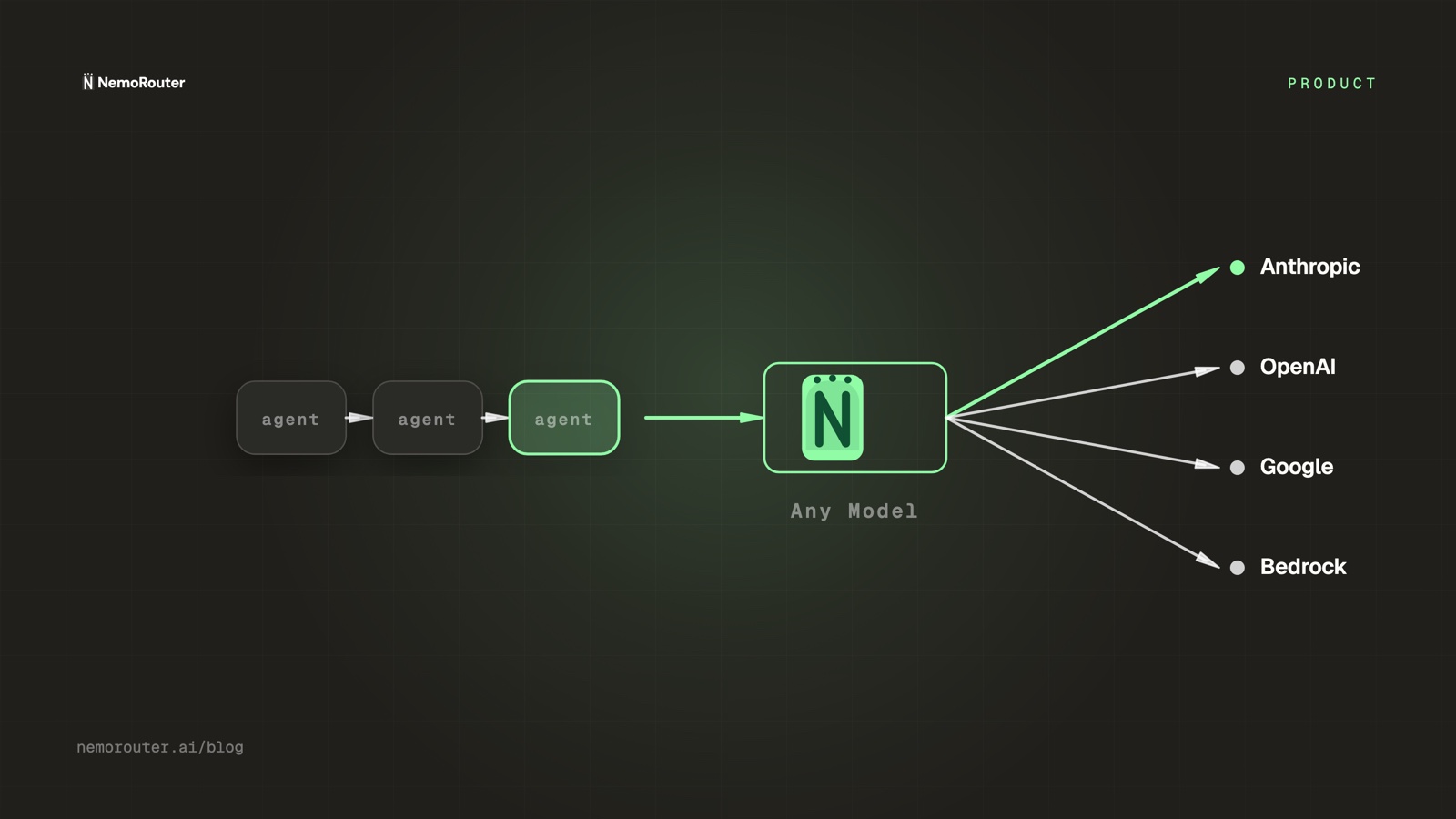
claude-sonnet-4-5oro3-pro), tool selection wants fast structured output (e.g.gpt-5.4-mini), synthesis wants long context, critique wants consistency (e.g.claude-haiku-4-5). Hardcoding a frontier model for all four is the most expensive mistake in agent infrastructure. Keep the slugs in configuration and take the current names from the models page — Anthropic, OpenAI and AWS Bedrock are live, and the catalog is the only current answer for what each serves. Choosing per step is covered in Cost-vs-Quality LLM Routing: Which Tasks Can Go Cheap. - Configure guardrails once, in the dashboard. They apply to every call the key makes, at every step, without any per-call argument in your agent code — see the guardrails guide and guardrails on every request. This matters more for agents than for chat: an agent that retrieves a web page and summarises it is executing text an attacker controls.
- Set a fallback chain so an unattended 3am run reroutes instead of failing silently until someone reads the logs in the morning. Provider fallback chains covers the configuration and the retry-versus-double-charge trade-off.
Wiring it into your agent framework
Every framework that accepts a custom base URL works unchanged. There is no adapter, no plugin, no fork:
# LangChain
from langchain_openai import ChatOpenAI
llm = ChatOpenAI(
    model=os.environ["WRITER_MODEL"],
    openai_api_key=os.environ["NROUTER_API_KEY_WRITER"],
    openai_api_base="https://api.nrouter.ai/v1",
)

# CrewAI
from crewai import LLM
llm = LLM(
    model=os.environ["RESEARCHER_MODEL"],
    api_key=os.environ["NROUTER_API_KEY_RESEARCHER"],
    base_url="https://api.nrouter.ai/v1",
)

# AutoGen
config_list = [{
    "model": os.environ["ORCHESTRATOR_MODEL"],
    "api_key": os.environ["NROUTER_API_KEY_ORCHESTRATOR"],
    "base_url": "https://api.nrouter.ai/v1",
}]
Per-framework detail lives on the LangChain, CrewAI, AutoGen, LlamaIndex and Vercel AI SDK pages. The important detail is not the constructor — it is that the key differs per role, so the ceilings differ per role. One shared key across every agent gives you exactly the situation you were trying to leave.
Worked example: a four-role research pipeline
A nightly research pipeline runs 200 times a day. The per-call costs below are illustrative placeholders used to make the arithmetic legible — real rates come from the vendor rate cards in the Sources section — but the call counts are the shape of a genuinely ordinary pipeline.
| Role | Calls per run | Illustrative cost/call | Daily calls | Daily spend |
|---|---|---|---|---|
| Orchestrator | 3 | $0.012 | 600 | $7.20 |
| Researcher | 12 | $0.004 | 2,400 | $9.60 |
| Writer | 2 | $0.020 | 400 | $8.00 |
| Critic | 2 | $0.006 | 400 | $2.40 |
| Embeddings | 20 | $0.00002 | 4,000 | $0.08 |
| Total | 39 | — | 7,800 | $27.28 |
That is roughly $818 a month of provider spend. Now the incident. The researcher's tool loop stops terminating at 10pm and nobody looks until 6am — eight unattended hours at its 120 RPM ceiling:
| Scenario | Calls in 8 hours | Spend | Detected by |
|---|---|---|---|
| No key budget, RPM ceiling only | 57,600 | $230.40 | The bill, next month |
| Key budget $15/day, cap already partly used | ~1,350 more | $15.00 total for the day | The 429 in your logs at ~10:15pm |
With the cap, the researcher's whole day closes at $15 instead of the $240 it would otherwise have reached — a saving of $225 on one night — and the researcher's cap did not affect the writer, the critic or the embeddings role, all of which kept working. That containment is the argument for per-role keys rather than one org-level budget: an org budget would have stopped the whole pipeline, which is a different and often worse outcome.
Note the RPM ceiling alone did not save you. It bounded the rate, which bounded the damage to $230 instead of unbounded, but a rate limit multiplied by eight hours is still a real number. A rate limit shapes traffic; only a spend cap has a dollar figure in it. That distinction is the whole of Budgets vs Rate Limits: Pick the Control, Then Set Both.
Debugging a run that went wrong
Agent pipelines fail opaquely. A run finishes with a bad result and you need four answers: which step, which model, what did it return, and what did it cost. Per-role keys make each of those a filter rather than an investigation.
Every response carries correlation headers you should be logging from day one:
x-nr-request-id       the id to quote in any support conversation
x-nr-request-cost     the settled cost — ABSENT when the cost is not knowable
x-nr-cost-status      "exact" | "unpriced"
x-nr-model            the model that actually served it, after any fallback
Two of those repay attention immediately. x-nr-model tells you when a fallback fired — compare it against the model you asked for, and a mismatch is the failover — which is the usual explanation for a run whose output quality changed overnight with no deploy. And x-nr-request-cost is absent, never zero, when the cost cannot be determined — a logger that substitutes 0 will quietly report a stream of free calls, and the reasoning for that design is in cost honesty. What else to log, and what not to, is in what to log on an LLM gateway; the dashboard side is the observability guide.
What it costs
The number that bounds a runaway agent is not on a plan row at all — it is the per-key budget, which refuses the next call with 429 key_budget_exceeded before the provider is touched, on every plan and at no per-key charge, while the platform fee (4% of your credits, added on top, on every plan) only ever scales what you actually spent; the pricing page carries the plan table.
Keys are unlimited on every plan, so there is no cap on how many roles you split your pipeline into, which is what makes the pattern in this post free to adopt. Budgets, rate limits, guardrails, fallback chains, audit logging and per-team scoping are on every plan too; a plan changes the monthly nrouter/auto usage allowance and the rate limits and nothing else.
Run the pipeline above through the fee: at $818/mo of provider spend, the platform fee is $32.72 (buying $818 of credits is an $850.72 charge and the fee is a flat 4% of the credits), and it is the same $32.72 on every plan, so there is no fee crossover to wait for. A subscription (Starter $20/mo, Pro $50/mo, Max $200/mo) buys a monthly allowance for nrouter/auto, where nRouter picks the model, plus higher rate limits — not a lower fee; a pipeline that names a model per step, as this one does, pays for those calls from credits at list rate on any plan. The choice is worked through in pay as you go or a subscription, and the reason the fee sits on top of a purchase rather than inside the per-token rate is in markup-free LLM credits.
Where it fits with the rest of the platform
- LLM routing for AI agent pipelines is the routing half of this post — which model each step should reach for and why.
- Multi-agent cost tracking takes per-role attribution further, into per-run and per-customer splits.
- Org, team, member: scoping keys, budgets, guardrails is the scope model the per-role keys sit inside, once more than one team runs agents.
- An LLM gateway for coding agents applies the same pattern to a different unattended workload.
- An LLM gateway for RAG covers the embeddings role above, where call volume is high and per-call cost is tiny.
- Attribute LLM spend by team, customer and feature is what you reach for when one agent serves many end customers.
Limits and what this will not do
- A cap stops calls, it does not finish the work. When a role hits its budget, that role stops. Your pipeline needs a sensible partial-result path, and designing one is your job, not the gateway's.
- Rate limits do not bound cost. They bound the rate. As the worked example shows, eight unattended hours at a generous RPM ceiling is still a real bill. Set both.
- There is no BYOK. You bring credits and an nRouter key; provider credentials stay ours. If your arrangement requires inference billed to your own provider account, this is not the right fit — the reasoning is in why we do not do BYOK.
- Guardrails are not a prompt-injection guarantee. They raise the cost of an attack on an agent that reads untrusted content. They do not make tool-calling on attacker-controlled text safe, and anyone who tells you otherwise is selling something.
- The catalog is the catalog. Anthropic, OpenAI and AWS Bedrock are live; anything else is a question for the models page rather than an assumption. Do not hardcode a slug you have not resolved.
- SOC 2 Type II is in progress, not certified. If your procurement requires a completed report today, check the current position on the trust page before you plan around it — the gateway-side checklist is in a SOC 2 checklist for LLM gateways.
- An unpriced call is reported unpriced. On a model whose cost is not derivable, the cost header is absent. Your per-run cost aggregate must handle that rather than zero-filling it.
Try it
Open an account at signup and load the $5 minimum — a real charge with the platform fee on top. Mint two keys, orchestrator and researcher, give the researcher a $1 daily cap, and run your pipeline until it trips. Confirm you get a 429 carrying key_budget_exceeded, confirm your framework stops instead of retrying, and confirm the orchestrator kept working. That single experiment is worth more than the rest of this post. Model slugs come from the live catalog; the plan arithmetic is on pricing.
See also
- LLM routing for AI agent pipelines — a production guide — which model each pipeline step should reach for, and how to change it without a deploy.
- Multi-agent cost tracking — taking per-role attribution down to per-run and per-customer splits.
- Handling 429 and 402 errors from an LLM gateway — the retry branch that keeps a framework from hammering an exhausted budget.
- Virtual Keys vs Master Key: Scoping a Key Per Job — why a key per role is the right granularity, and what a leaked one costs you.
- Provider fallback chains: surviving an OpenAI outage — what an unattended 3am run should do when a provider goes down.
- Inline LLM Guardrails: Redact, Block, or Flag Every Request — the safety layer an agent reading untrusted content needs on every step.
- Pricing — unlimited keys on every plan, and the fee that decides which plan your pipeline belongs on.
Sources
Verified 2026-08-23. Provider rate cards and framework APIs change; if any link below has moved, email hello@nrouter.ai and we will correct this post.
- nRouter plans and fees: nrouter.ai/pricing — the 4% platform fee on every plan, monthly subscriptions from $20/mo that add a
nrouter/autousage allowance, and unlimited keys on every plan. - OpenAI API pricing: openai.com/api/pricing — the published rates to replace this post's illustrative per-call figures with your own.
- Anthropic pricing: anthropic.com/pricing — the same, for the Claude family.
- AWS Bedrock pricing: aws.amazon.com/bedrock/pricing — Bedrock is live on nRouter and AWS publishes per-model rates.
- LangChain ChatOpenAI reference: python.langchain.com/docs/integrations/chat/openai — the base-URL argument used above.
- CrewAI LLM configuration: docs.crewai.com/concepts/llms — the
base_urlandapi_keyfields in the snippet. - AutoGen LLM configuration: microsoft.github.io/autogen — the
config_listshape used above.
OpenAI, Anthropic, AWS, LangChain, CrewAI and AutoGen are trademarks of their respective owners. nRouter is not affiliated with or endorsed by them. All claims above are sourced from their public pricing or documentation on the date shown. The per-call costs in the worked example are illustrative placeholders and are not attributed to any vendor.