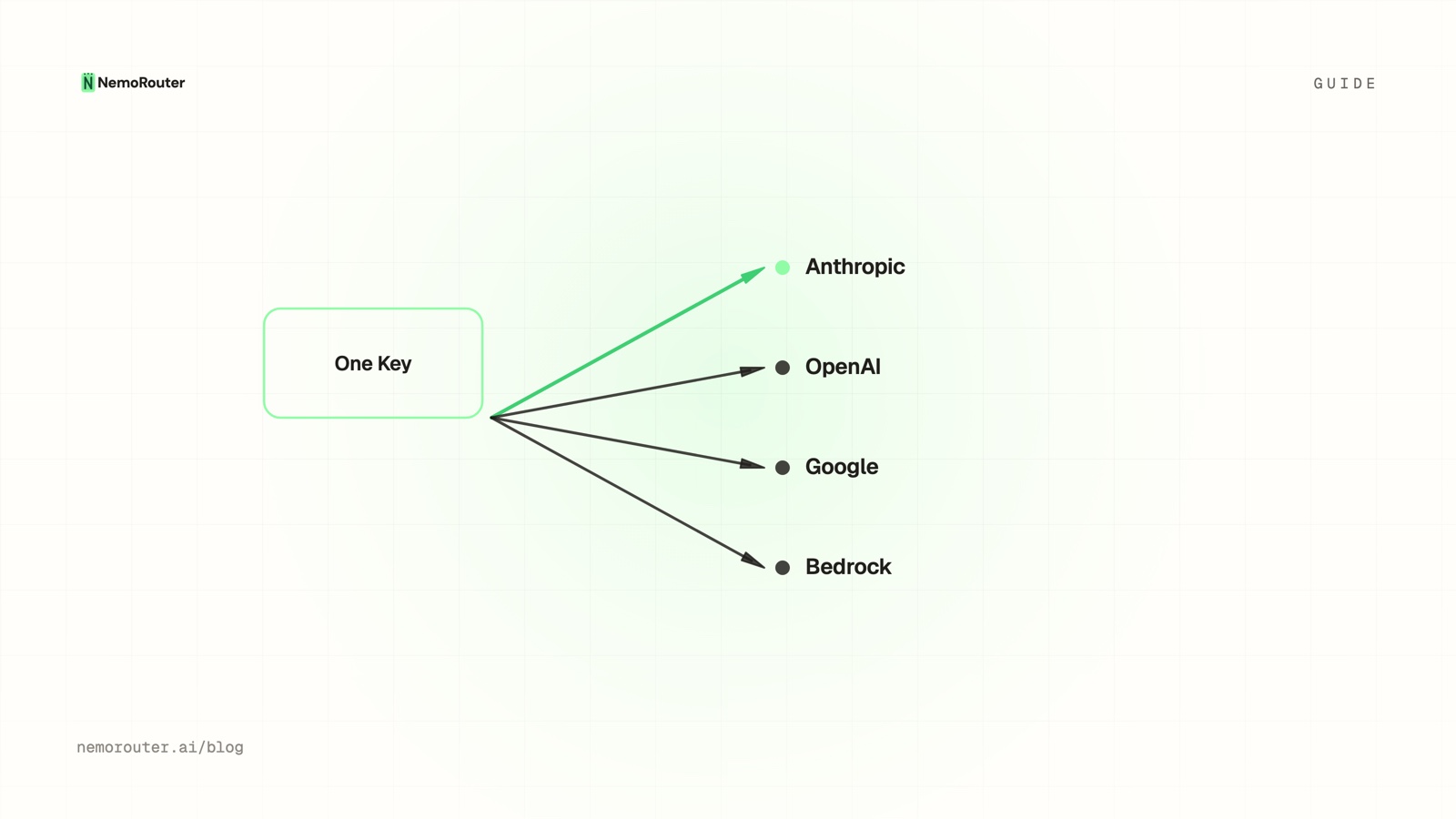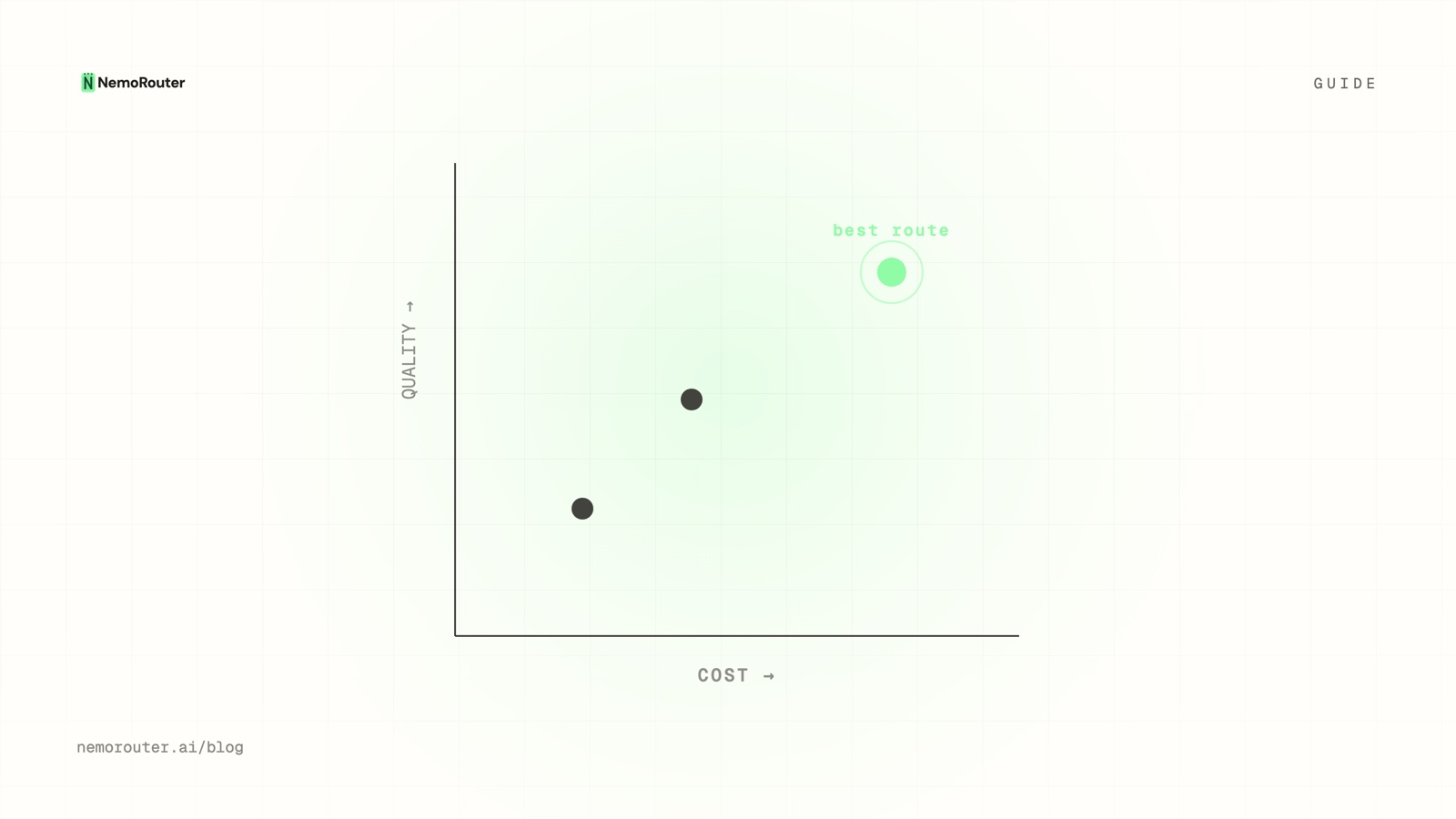
The short answer: route by task, not by request volume. Score each task against four questions, point a router alias at a candidate set in Router Settings and pick the Cost strategy, then prove the downgrade with an A/B test before you move all of that task's traffic. Read the result as cost per 1,000 tokens on the Cost vs Usage report at
/[organization]/advanced/cost-vs-usage— not as a headline rate-card comparison.
The short answer
The most expensive habit in production LLM work is sending everything to the flagship "to be safe". It feels careful and it is quietly the largest line on the bill, because the traffic that is cheap to downgrade is usually also the traffic with the highest volume — classification, extraction, tagging, short rewrites, formatting. Those are the rows where a smaller model is genuinely indistinguishable, and they are the rows you are paying flagship rates for.
Fixing it is a four-move loop: inventory traffic by task, decide which tasks can go cheap, wire the routing so the change is a dashboard edit rather than a deploy, and prove the downgrade held quality before it becomes permanent. This guide walks each move with the exact page, field and header involved.
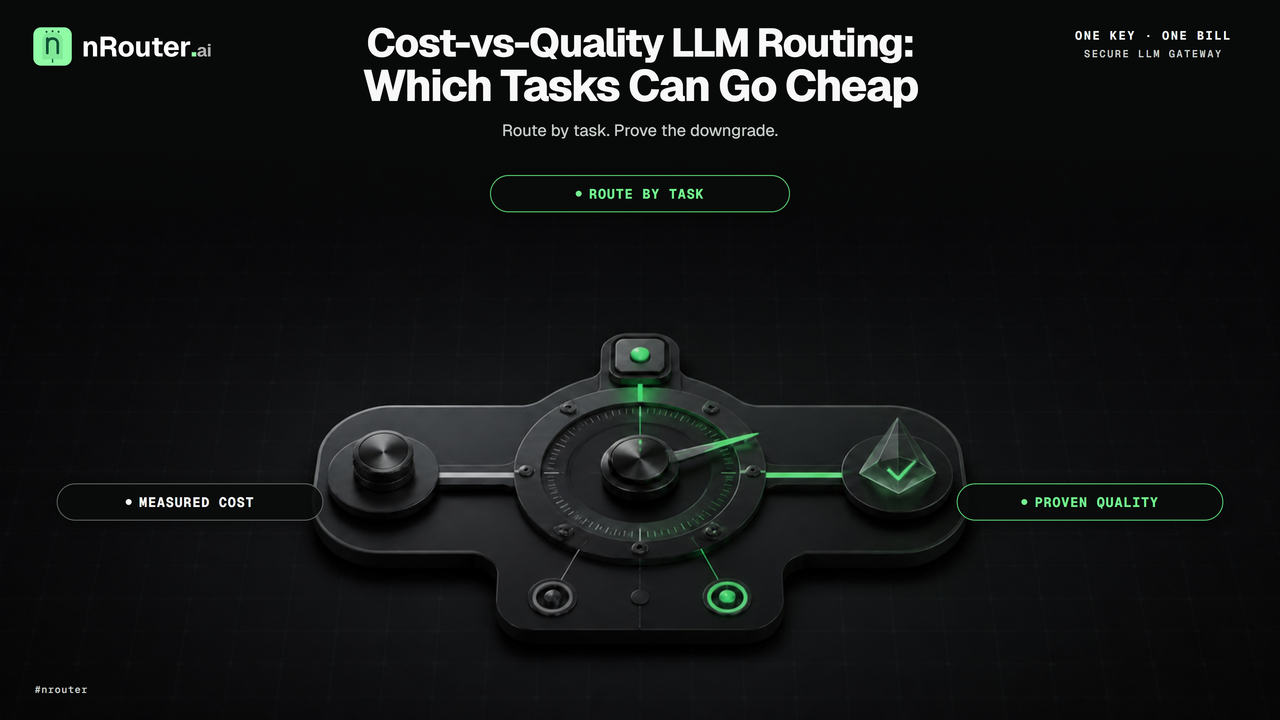
Figure 1: Task-based routing matrix matching model capabilities and cost profiles to workload requirements.
When you need this
Your bill grew faster than your traffic. Requests are up 20% and spend is up 90%. That gap is almost always model mix: a task quietly migrated onto a more expensive model, or a prompt grew and pulled its token count with it. The diagnosis lives in cost vs usage, which is specifically the chart that separates "more traffic" from "more expensive traffic".
You have one model name hardcoded in a dozen services. Every model change is a deploy, so nobody makes one, so the mix never improves. This is the problem a router alias exists to remove — the alias is the name your code holds, and what it resolves to is configuration.
Somebody has proposed switching everything to the cheap model. This is the opposite error and it is worth naming, because it fails in a way that is much harder to see: the cheap model does not fall over, it degrades. Outputs get slightly worse in ways nobody catches until a customer does. The answer to both extremes is the same — decide per task, and measure.
What you need first
- An organization with credits. nRouter is credit-based and signup is card-required: the minimum purchase is $5, with the platform fee on top. See Pricing.
- Owner or admin role. Router Settings is editable by owners and admins; members and viewers see it read-only with the save controls disabled. Roles are in Team Management.
- At least two models you are willing to compare, from the catalog at /models. Each entry shows provider, mode, max tokens, input and output cost, capabilities and health, so the candidate set is a filtering exercise rather than a memory test. Reference: Model Catalog.
NROUTER_API_KEYexported. Every block below runs as written againsthttps://api.nrouter.ai/v1.
export NROUTER_API_KEY="sk-nrouter-your-key-here"

curl -sS https://api.nrouter.ai/v1/models \
  -H "Authorization: Bearer $NROUTER_API_KEY" | head -c 300
Step 1 — Inventory traffic by task, not by model
There is no model that is better in the abstract, only a model that is better at something. So the unit of routing is the task, and the first job is to find out what your tasks actually are and how much each one costs you.
Open Advanced → Cost at /[organization]/advanced/cost, set the window to 30
days, and group by model. That gives you the shape of the bill. Then group by
tag or key to get closer to what the money is buying — a key per job or a
tag per feature turns "gpt-5.5 costs $3,100" into "ticket summarisation costs
$3,100", which is the sentence you can act on. Attribution mechanics are in
attribute LLM spend by team, customer and feature.
Write the result down as a table of tasks with a volume and a cost, then sort by cost. The candidates are the top rows.
| Task | Reasoning depth | Output verifiable? | Typical routing |
|---|---|---|---|
| Classify / tag / route | Low | Yes, mechanically | Cheap model |
| Extract fields from text | Low | Yes, against a schema | Cheap model |
| Short rewrite / reformat | Low | Yes, by eye | Cheap model |
| Summarise (short) | Medium | Partly | Mid model, A/B it |
| Multi-step reasoning or planning | High | No | Flagship |
| Complex code generation | High | Only by running it | Flagship |
Step 2 — Score each task against four questions
For any task, route it down to a cheaper model unless one of these is true.
- Does it require multi-step reasoning or planning? Chains of inference are where small models diverge most sharply. Keep it on the flagship.
- Is the output hard to verify? If you cannot mechanically tell a good answer from a plausible-looking bad one, a cheaper model's mistakes reach production silently. Verifiability, not difficulty, is what makes a downgrade safe.
- Is it customer-visible and brand-critical? The cost of a slightly worse answer is not the token price.
- Is it long-context or multimodal in a way small models handle poorly? Check the max-tokens and capability columns on /models before assuming — context windows and modality support vary sharply inside a single provider's own line-up, as OpenAI's model list shows.
Four noes means a cheap-model candidate. Most extraction, classification and formatting work answers no four times, which is precisely why it is the biggest available saving.
One trap to name explicitly: a cheap model that needs three attempts is not cheap. Route on measured cost per successful output for your workload, never on the headline per-token rate. The published rate cards — OpenAI, Anthropic and AWS Bedrock each quote per-million-token input and output prices — are the input to that calculation, not the answer to it. Two models within a few cents per million tokens of each other can differ by an order of magnitude in retries on your particular prompts, and no rate card can tell you which.
Step 3 — Point a router alias at a candidate set
Routing on nRouter is opt-in: a concrete model name you pass in the model
field is never re-routed. To get routing you create a router alias and call
that instead.
On the Router Settings page, point an alias at the set of candidate models for one task and pick a strategy:
| Strategy | Behaviour |
|---|---|
| Cost | Routes to the cheapest model in the set, by your list price |
| Latency | Routes to the model with the lowest recent p95 latency for your org |
| Weighted | Splits traffic across the set by the weights you assign |
Aliases are per-org and resolve at request time, so changing the set or the strategy is a dashboard edit — no redeploy, no SDK change. Edits are not live until you click Save Changes (an unsaved-changes badge shows while the form is dirty, and Reset reverts to the last saved state), and a saved change reaches live inference within about 30 seconds.
Your application then holds one stable name:
from openai import OpenAI
import os

client = OpenAI(
    base_url="https://api.nrouter.ai/v1",
    api_key=os.environ["NROUTER_API_KEY"],
)

resp = client.chat.completions.create(
    model="ticket-summaries",           # your router alias, not a provider model
    messages=[{"role": "user", "content": "Summarise this ticket in one line: ..."}],
)

print(resp.model)                        # the model that actually served the call
print(resp.choices[0].message.content)
The client above is the stock OpenAI SDK against the
Chat Completions contract,
with base_url repointed; nothing else in the call changes. The model field on
the response tells you which candidate resolved, so you can confirm the strategy
is doing what you configured without leaving your own logs.
Full field reference: Router Settings and the
Chat Completions API.
Two related settings live on the same page and are worth setting deliberately
while you are there. Number of retries defaults to 3 and Timeout to 60
seconds, both per org; neither is overridable per request, so num_retries,
timeout and fallbacks sent in a request body are ignored and one caller cannot
opt out of your policy. Response caching is on by default for identical
non-streaming requests; your organization can switch it off on the
same page, and a single request can skip it by sending "nrouter_cache": false
in the request body.
Step 4 — A/B the downgrade before you commit
A routing decision is a hypothesis: "this task is fine on the cheaper model." Treat it like one. An A/B test splits live traffic between variants server-side, so the comparison runs on real production calls with no application change.
A/B definitions are account administration, not inference, so they are created
and driven from the dashboard rather than with a virtual key — the request body
below is what the Create test form submits to
POST https://app.nrouter.ai/api/ab-tests:
POST https://app.nrouter.ai/api/ab-tests?orgId=<your-org-uuid>
Content-Type: application/json

{
  "name": "gpt-5.4-mini vs gpt-4.1-nano for ticket summaries",
  "description": "Does the cheaper model hold quality on one-line summaries?",
  "variants": [
    { "name": "control",    "model": "gpt-5.4-mini",  "weight": 0.7 },
    { "name": "challenger", "model": "gpt-4.1-nano", "weight": 0.3 }
  ]
}
Start, pause and complete the test through the same route with an action query
parameter — POST /api/ab-tests?action=start&testId=<uuid>, and likewise pause,
stop, complete, update and delete. Read the test back with
GET /api/ab-tests?testId=<uuid>, which returns the definition together with
per-variant requests, latency, tokens, errors and spend; the individual recorded
rows are at GET /api/ab-tests?action=results&testId=<uuid>.
Selection happens in pre-flight, before guardrails and before the provider call. The bucketing hash is salted server-side, so a client cannot pin itself to its preferred variant by crafting request identifiers — which is what keeps the experiment honest. Settlement uses the model that actually served the call, so your spend numbers stay accurate per variant.
One constraint worth respecting: the credit reservation is sized for the model
your application originally asked for, so keep variants in the same pricing class
rather than pitting a flagship against something twenty times cheaper in a single
test. Tests move through draft → running → paused → completed, status changes
propagate in about 30 seconds, and completed is terminal — clone rather than
reopen. The design reasoning is in
deterministic A/B testing across model variants;
the field reference is A/B Testing.
Start at 70/30 rather than 50/50. If the challenger is worse, you have exposed 30% of one task's traffic, not half of it.
Step 5 — Read the saving as cost per 1,000 tokens
Total spend is the wrong number to judge a routing change by, because traffic moves at the same time and one masks the other. The number that isolates the change is a unit cost.
Open Advanced → Cost vs Usage at /[organization]/advanced/cost-vs-usage.
It reports cost per request and cost per 1,000 tokens, plotted against
requests and against tokens, with nRouter tool charges deliberately excluded so
the unit ratios stay clean. That is your before-and-after.
Then open Advanced → Benchmark at /[organization]/advanced/benchmark for the
model-by-model table on your own traffic: requests, tokens, spend, cost per 1k
tokens, cost per request, average and p95 latency, throughput, error rate and
cache-hit rate. A rate card tells you what a model charges; this tells you what it
costs you, including the retries. Advanced → Compare at
/[organization]/advanced/compare overlays the current window against the
previous one and calls out which models and keys moved the most.
Verifying it worked
- Confirm the alias resolves where you expect. Send one call through the alias and read the resolved model off the response, plus the cost headers:
curl -sS -D - -o /tmp/body.json https://api.nrouter.ai/v1/chat/completions \
  -H "Authorization: Bearer $NROUTER_API_KEY" \
  -H "Content-Type: application/json" \
  -d '{"model":"ticket-summaries","messages":[{"role":"user","content":"ping"}]}' \
  | grep -i '^x-nr-'
python3 -c "import json;print(json.load(open('/tmp/body.json'))['model'])"
x-nr-request-cost carries the settled cost in USD and pairs with
x-nr-cost-status. When a call cannot be priced the cost header is absent and
the status reads unpriced — that is not zero, and a pipeline that treats it as
zero will under-report the very saving you are trying to measure.
- Check the split is real. With a Weighted strategy or a running A/B test,
send a few dozen calls and count the resolved models. The distribution should
approach your weights; if every call resolves the same way, the test is not
runningor the alias is not the name your code is calling. - Check unit cost, not total cost. Cost per 1,000 tokens on
/[organization]/advanced/cost-vs-usageshould drop for the task you moved. If total spend fell but unit cost did not, you had a quiet week, not a saving. - Check quality did not move. Whatever signal you already trust — a rubric, a downstream success rate, a human spot-check on 50 outputs — run it per variant before you promote the challenger.
- Check latency. There is no latency header — time each call on your own
clock and store the elapsed value beside
x-nr-request-id— and per-key averages and p95 are on the Key Usage report. A cheaper model that is slower may still be the right trade, but it should be a decision rather than a surprise.
What goes wrong
You routed on the rate card instead of on measured cost. A cheap model that retries, or that needs a longer prompt to get the same result, can cost more per successful output than the flagship it replaced. Measure cost per 1,000 tokens on your own traffic, on the Benchmark report.
You conflated routing with failover. They are different questions. Cost-vs-quality routing chooses which model should normally serve a task; a fallback chain chooses what happens when that choice fails, and it is tried on any delivery failure — 5xx, network errors, HTTP 429 and context-window-exceeded alike, with no per-trigger scoping. Making your cheapest flaky model both the default and the fallback gives you the worst of both. See provider fallback chains.
You changed the model and the prompt in the same week. Then you cannot attribute the result to either. Change one thing; the whole point of a server-side split is that it isolates the variable for you. Managed prompts help here — see Server-Side Prompt Templates: Version, Roll Back, A/B Test.
You expected the Cost strategy to lower your bill on its own. It picks the cheapest eligible model in a set you defined; if the set contains one model, or if your candidates are all expensive, nothing changes. Routing decides which model runs. Your ceilings are a separate control entirely — hard spend caps.
You named a concrete model and wondered why routing did nothing. Routing is opt-in. A concrete model name is served as asked, every time. Call the alias.
Try it
Routing strategies, fallback chains, A/B tests, guardrails, prompt management and
evals are included on every plan. Every plan pays the same platform fee — a flat 4% of the
credits, charged on top — and plans vary the monthly nrouter/auto allowance (subscriptions
from $20/mo) and the default rate limits, never the feature set. The reasoning is in
Every Feature on Every Plan: We Charge a Fee, Not a Gate.
Load the $5 minimum, then pick the single highest-volume, lowest-reasoning task you have, point an alias at two candidates, and run a 70/30 test for a day. Start at app.nrouter.ai/signup, or compare two models by hand in the Playground before you wire anything. Bring a routing question to the nRouter community.
See also
- Cost vs Usage: Finding the Quietly Expensive Model — the chart that separates more traffic from more expensive traffic, and where a downgrade candidate first shows up.
- Deterministic A/B Testing Across Model Variants — how the server-side split stays honest, and why the bucketing salt matters.
- Provider Fallback Chains: Surviving an OpenAI Outage — the reliability axis this post deliberately keeps separate from cost and quality.
- Attribute LLM Spend by Team, Customer, and Feature — how to turn a model-shaped bill into a task-shaped one before you decide what to move.
- Hard LLM Spend Caps at Org, Team, User, and Key Scope — the ceilings that bound the downside while you experiment with the mix.
- Route Requests Automatically for Better Performance — the same routing machinery pointed at latency instead of price.
- Models — the live catalog with per-model cost, capabilities, context window and health.
Sources
Verified 2026-06-10; the external references were re-checked on 2026-08-23. Every strategy name, field, default and report path above comes from nRouter's own documentation, and the model names in the examples are illustrative — check the live catalog for what your organization can call today. If something has drifted, email hello@nrouter.ai and we will correct it.
- The published rate cards step 2 warns you not to route on alone: OpenAI, Anthropic, AWS Bedrock
- Context-window and modality differences inside one provider's line-up: OpenAI model list
- The Chat Completions contract the Python sample speaks: platform.openai.com
- Router aliases, strategies, retries, timeouts and caching: Router Settings
- A/B test creation, lifecycle and pre-flight selection: A/B Testing
- Cost, Cost vs Usage, Benchmark and Compare reports: Analytics and Reports
- Model catalog fields and aliases: Model Catalog
- Response headers and request shape: Chat Completions API
- Plans and the platform fee: nrouter.ai/pricing