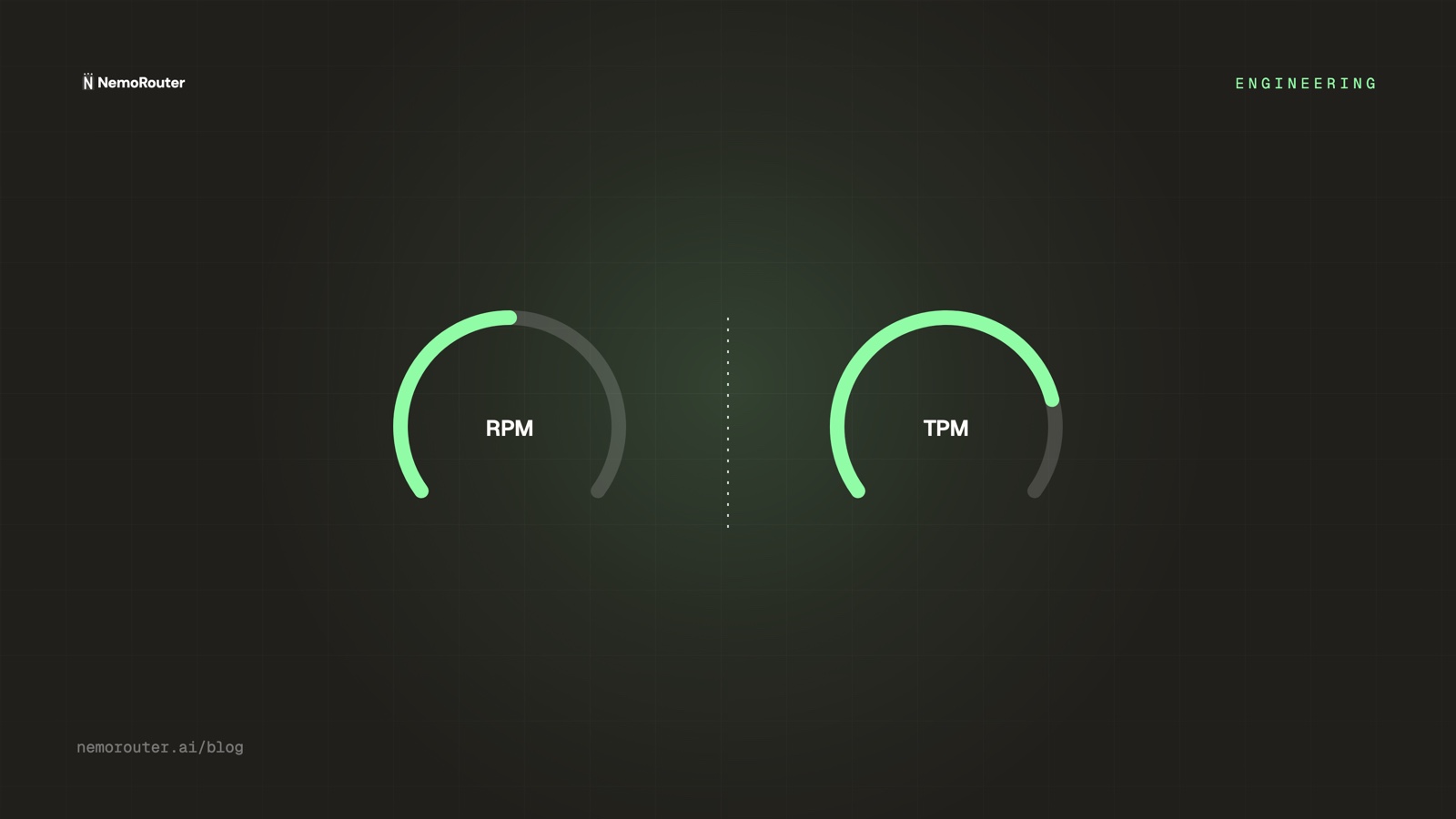
The answer: RPM caps how many calls per minute, TPM caps how much work per minute, and a request must clear the ceiling at every scope that applies to it — key, team and organization, tightest wins. Exceeding one returns
429with coderate_limit_exceededand aRetry-Afterheader. That is a different failure from a budget block, and the code is what tells them apart. No limit can be raised from the request body.
A rate limit is the control most teams configure last and need first. Budgets get attention because they are denominated in money and money is legible; a rate limit is denominated in requests and tokens, which look like implementation detail until the afternoon they are the only thing standing between a bug and your provider bill.
The two controls answer different questions. A budget answers how much, in total, over a window. A rate limit answers how fast, right now. Those are not two views of the same ceiling — they catch different failures, they fire with different status codes, and a client that treats them as interchangeable will retry the one it should stop on and stop on the one it should retry.
This post is the engineering of the velocity ceiling: the failure it exists for, how a limit resolves across three scopes, exactly what comes back when one fires, the edge cases we had to pick a side on, and where the control genuinely does not help.
The retry loop that spent an afternoon of headroom
Here is the request. It is completely ordinary:
{
  "model": "claude-sonnet-4-5-20250929",
  "messages": [
    { "role": "system", "content": "You are a research agent. Use the tools available." },
    { "role": "user", "content": "Summarise the attached ten filings." }
  ],
  "tools": [ { "type": "function", "function": { "name": "fetch_document" } } ]
}
The agent that sent it has a tool-use loop. On a malformed tool response it retries. On a particular malformed tool response — one where the document fetch returns an empty body — the model produces the same tool call again, gets the same empty body, and retries again. The loop has no ceiling because nobody wrote one; the retry was added to survive a transient network blip and it does, beautifully, forever.
Nothing about any individual request is wrong. Each one is well-formed, each one gets a 200, each one costs a few cents. There is no error to alert on and no exception to catch. The only symptom is a request rate that goes from four a minute to four hundred a minute at 14:07 and stays there.
A monthly budget of, say, $2,000 does eventually stop this. It stops it after roughly $2,000 of provider spend, which at a few cents a call is a very large number of calls and, depending on your traffic, somewhere between a few hours and a few days. By the time the budget speaks, the incident has already happened. The control that could have said something at 14:08 is the one that measures velocity rather than dollars.
Why the naive approach breaks
The version most teams build first is a counter in the application: a semaphore, a token bucket in a middleware, a max_concurrency on a worker pool. It is a reasonable instinct and it fails for reasons that have nothing to do with the quality of the implementation.
| Failure | Why it happens |
|---|---|
| Per-process, not per-key | Three replicas each honour a 100 RPM bucket and the key sees 300 RPM |
| Absent from the path that matters | The batch job, the notebook, the CI smoke test never imported the middleware |
| Disabled to debug | Someone raises the ceiling locally to reproduce an issue and the branch ships |
| Invisible after a leak | A key pasted into a public repo is called by code you did not write and cannot instrument |
That last row is the decisive one. The whole point of a rate limit is to bound damage from something you do not control — a runaway loop you did not intend, a key you did not mean to publish, a customer integration written by someone who has never read your docs. A limit that lives inside the caller protects you only from callers that cooperate, which is the set of callers that were never the threat.
The seam that works is the one every request already crosses. If the counter lives at the gateway, then coverage is not a rollout project and not a code review discipline — it is a property of the path. There is no code to remember to import, because there is no code.
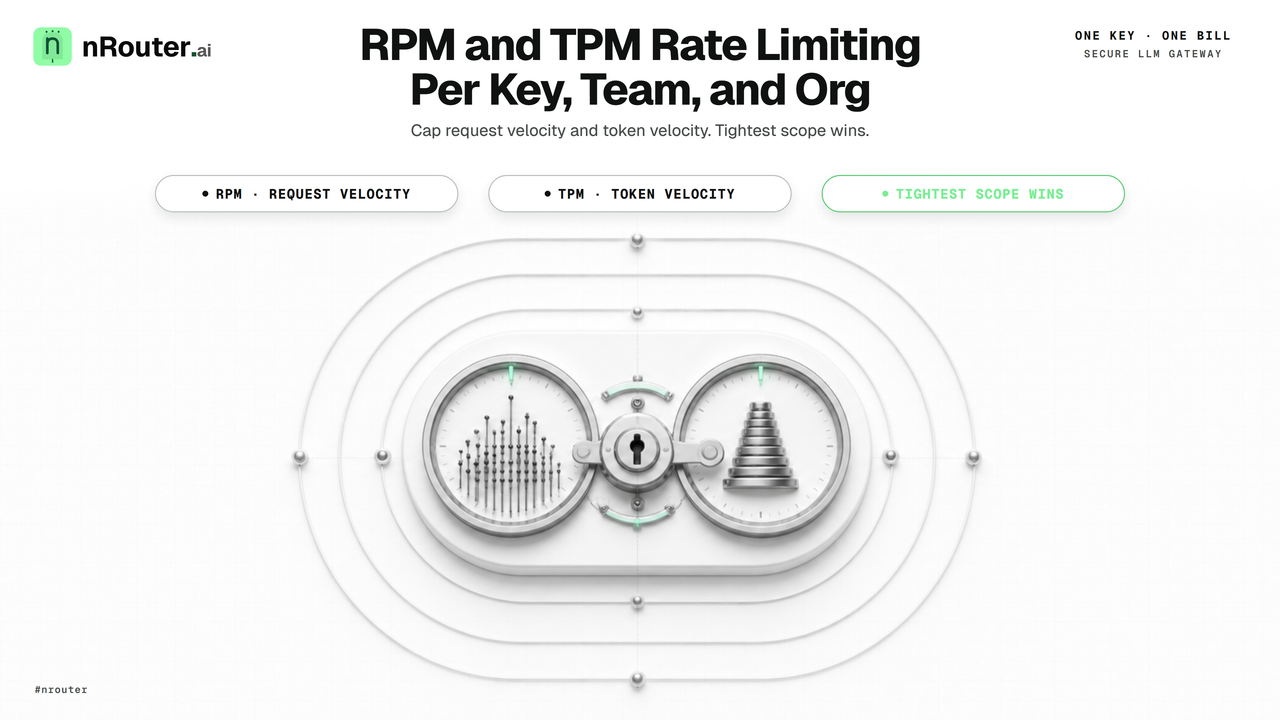
Figure 1: Multi-tier rate limiting architecture enforcing RPM and TPM velocity ceilings across key, team, and organization scopes.
Two velocities: RPM and TPM
LLM traffic has two independent notions of "too fast", and a ceiling on one is blind to the other.
- RPM — requests per minute. Caps how many calls. This is the control that catches the tight loop above: hundreds of small, cheap, individually valid requests.
- TPM — tokens per minute. Caps how much work. This is the control that catches the opposite shape: a handful of calls, each carrying a 200,000-token context, that consume disproportionate upstream capacity and cost while barely registering as traffic.
Neither alone is sufficient, and the reason is easy to see once you write the two failure modes next to each other:
RPM 200, TPM 200_000

  200 requests × 1_000 tokens   = 200_000 tokens   → both ceilings reached together
  200 requests × 40_000 tokens  = 8_000_000 tokens → RPM says fine, TPM stops it
    5 requests × 1_000 tokens   = 5_000 tokens     → both fine
  900 requests × 200 tokens     = 180_000 tokens   → TPM says fine, RPM stops it
Both ceilings are evaluated on every request and whichever is reached first throttles. An RPM-only limit lets four enormous prompts through and calls it quiet traffic. A TPM-only limit lets a thousand tiny requests through and calls it a light minute. Together they bound both the count and the size of what leaves per minute, which is the actual quantity you care about.
TPM is counted against what the request will consume, which for the input side is measurable before the call and for the output side is bounded by the requested output ceiling. That matters for a practical reason covered under edge cases: a request that would not fit in the remaining TPM window is refused before it is forwarded, not halfway through generation.
Where a limit attaches: key, team, and org
Rate limits resolve across the same three scopes as every other control in the product, and the resolution rule is the one that makes them safe: a request must clear every ceiling that applies to it.
| Scope | Bounds | Typical use |
|---|---|---|
| Key | One credential, one service, one environment | prod-checkout-service capped at 60 RPM |
| Team | Every key belonging to a team | A squad's total share of throughput |
| Organization | The whole account | The plan ceiling, and the account-wide backstop |
The tightest applicable ceiling wins, and that direction is deliberate. A generous organization limit never lets one over-eager key starve every other service on the account, because the key's own ceiling is checked too. Equally, a permissive key limit never lifts the account off its plan ceiling. Adding a scope can only make a request more likely to be refused, never less — which is what lets you hand a contractor a key without auditing every other limit in the account first.
The plan sets the organization default. Pay as you go is 200 RPM and 200,000 TPM; Pro is 1,000 RPM and 1,000,000 TPM; Enterprise is negotiated. A limit set explicitly on a key overrides the default downward for that key. That is the entire difference the plan makes to this control — plans vary the platform fee and the rate limits and nothing else, which is the argument in Every Feature on Every Plan: We Charge a Fee, Not a Gate. The full plan table is on Pricing.
The scope model itself — why keys hang off teams, why credits hang off the organization, and how identity for a scope decision is resolved — is Org, Team, Member: Scoping Keys, Budgets, Guardrails. Rate limits are one instance of that pattern rather than a special case, which is the point: an engineer who has learned where a budget comes from already knows where a rate limit comes from.
Every 429 names its source
This is the section to read twice, because it is the single most misread detail in the whole system, and getting it wrong produces a client that behaves exactly backwards under load.
A 429 is a status code, not a diagnosis. Two different controls return it, and they want opposite responses from your client:
| Status | code | What it means | Correct client behaviour |
|---|---|---|---|
429 | rate_limit_exceeded | The RPM or TPM window is full | Back off with jitter, honour Retry-After, retry |
429 | key_budget_exceeded | This key's spend cap is reached | Stop. Retrying cannot succeed |
402 | budget_exceeded | An org, team or user budget is reached | Stop. Surface the named budget |
A rate limit clears on its own, in seconds, without anyone doing anything — the window slides and capacity returns. A budget does not. Retrying a key_budget_exceeded is a loop that will run until someone raises the cap or the window rolls over at midnight, generating a large amount of load and zero successful requests.
So the rule is: branch on code, never on the status. A rate-limited response also carries the standard Retry-After header, which is the honest number to sleep for:
{
  "error": {
    "message": "Rate limit exceeded. Retry after 12 seconds.",
    "type": "rate_limit_error",
    "code": "rate_limit_exceeded"
  }
}
The full decision table, including the retryable-versus-terminal split as runnable code, is in Handling 429 and 402 Errors From an LLM Gateway. The wider pre-flight sequence — balance, budget, rate limit, content — is The Four Ceilings Every LLM Request Passes, and the question of which control to reach for in the first place is Budgets vs Rate Limits.
Worked example: sizing limits for an agent fleet
Abstract advice about rate limits is useless, so here is an actual sizing exercise. A five-role agent pipeline on Pay as you go, whose organization ceiling is therefore 200 RPM and 200,000 TPM. Each role gets its own key, which is the practice argued in Virtual Keys vs Master Key.
| Key | Steady-state RPM | Avg tokens/call | Steady TPM | Key RPM limit | Key TPM limit |
|---|---|---|---|---|---|
orchestrator | 6 | 3,000 | 18,000 | 30 | 60,000 |
researcher | 24 | 2,000 | 48,000 | 120 | 200,000 |
writer | 4 | 8,000 | 32,000 | 30 | 100,000 |
critic | 8 | 4,000 | 32,000 | 60 | 150,000 |
embeddings | 90 | 400 | 36,000 | 300 | 100,000 |
| Total | 132 | — | 166,000 | — | — |
Two things fall out of that table, and both are the reason to build it rather than guess.
First, the sum of the key ceilings deliberately exceeds the organization ceiling — 540 RPM of key headroom under a 200 RPM account ceiling. That is not a mistake. Key limits exist to bound one runaway workload, not to partition capacity like a quota. If you divide the account ceiling into five disjoint slices, every service is throttled at a fifth of capacity even when the other four are idle, and you have bought a permanent throughput cut to prevent an occasional incident. Overlapping ceilings let a busy service borrow an idle one's headroom while the account ceiling stops the total.
Second, embeddings is the one to watch on RPM and the one to ignore on TPM. It is 68% of the fleet's request count and 22% of its token consumption. An RPM-only view says embeddings is the problem service; a TPM-only view says it barely exists. Both are wrong on their own, which is the concrete case for enforcing both. Finding this shape in your own traffic is Cost vs Usage: Finding the Quietly Expensive Model.
The arithmetic on the headroom: 200 RPM minus 132 RPM of steady state leaves 68 RPM of burst before the account ceiling speaks, and 200,000 minus 166,000 leaves 34,000 TPM. That is a fleet running at 83% of its token ceiling — comfortable for now, and a clear signal that the next growth step is a plan conversation rather than a tuning exercise.
Why a rate limit is never request-overridable
A caller cannot raise, lower or bypass a rate limit by putting a field in the request. There is no header for it, no body parameter, no query string. This is a deliberate design choice and it is a security property, not an ergonomics oversight.
A limit the caller can lift is not a limit
If a request could carry "rpm_limit": 100000, then a leaked key — or a compromised client bundle, or the agent loop from the top of this post after someone "fixed" the throttling — could simply ask for no limit. The throttle that was supposed to contain the blast radius evaporates at exactly the moment it was needed. Limits are read from the configuration attached to the authenticated key and from nowhere else.
The distinction worth internalising is between a preference and a boundary. A preference changes what you get back: which model, whether to stream, what temperature. Getting a preference wrong produces a different response, and letting the caller set it is fine. A boundary changes what you are permitted to do at all: how fast, how much, whose budget, which team's spend. Getting a boundary wrong produces unbounded abuse, so a boundary is resolved server-side from the authenticated credential.
The same reasoning governs team attribution in Org, Team, Member and A/B assignment in Deterministic A/B Testing Across Model Variants. Every control that decides authorisation or attribution reads from a source the caller cannot forge; every control that decides output shape reads from the request. Once you have that line, each new feature classifies itself.
Edge cases we had to decide
These are the calls without an obvious right answer. Each is stated as the case, the behaviour, and the reason.
-
When a request would exceed the TPM window, we refuse it before forwarding rather than truncating it. A partially generated completion is worse than no completion — you pay for the tokens, you cannot use the output, and the client cannot tell a truncation from a model that stopped early. Refusing pre-flight makes the failure legible and free.
-
When several scopes are over at once, the error names the one that fired first in resolution order. Key, then team, then organization. Naming all three would be more complete and less useful: the on-call engineer needs one place to go, and the tightest ceiling is the one that will still be in the way after they raise the others.
-
When a rate limit refuses a request, no credit reservation is held and nothing settles. The refusal happens before any provider is contacted, so there is no cost to account for and no hold to release. This is the same ordering property that makes an allowlist rejection free, and it is why a throttled minute produces no ledger movement at all. The mechanics of holds and releases are in Reserve, Settle, Release.
-
When a key has no explicit limit, it inherits the plan ceiling rather than defaulting to unlimited. An unset field meaning "no limit" is the failure mode where a new service is created in a hurry and ships without a ceiling. Inheritance means the worst case for a forgotten configuration is the account default, not an open door.
-
When a client ignores
Retry-Afterand hammers the limit, we do not escalate the penalty. The window is a window; requests that arrive during a full window are refused and do not extend it. Punitive backoff feels satisfying and makes incidents worse, because the client most likely to hammer is the one whose operator is already awake and trying to recover.
What you see from the outside
Everything above is observable from a terminal and a dashboard, with no access to anything internal.
On a throttled call, the response carries 429, the structured body shown earlier, and a Retry-After header in seconds. x-nr-request-id is present as it is on every response, which is the id to quote in a support ticket or paste into the search box on /[organization]/logs.
On a successful call, the canonical x-nr-* headers describe what happened:
| Header | What it tells you |
|---|---|
x-nr-request-id | Always present; the id for logs and support |
x-nr-request-cost | Settled USD cost — absent when the cost is not known |
x-nr-cost-status | exact or unpriced, alongside the cost header |
x-nr-request-cost deserves its own sentence because it interacts with throttling in a way people assume wrongly. When a cost cannot be determined the header is absent — never 0. A missing header is a fact your client can branch on; a zero would be a claim that the call was free. Pairing it with x-nr-cost-status means you can distinguish "no cost known" from "no header parsed". The reasoning is Cost Honesty: We Read the Number, We Don't Invent It.
In the dashboard, per-key RPM and TPM are set where the key is created or edited, on /[organization]/keys, documented under API Key Management. Throttled requests appear in the request log with their status and code, so "did we get throttled at 14:07" is a filter rather than an investigation.
Limits
Honest boundaries, because a control described without them is a marketing claim.
A rate limit is not a spend ceiling. A key at 60 RPM running expensive long-context calls all day will spend a great deal of money without ever being throttled. Velocity and cost are correlated, not equal. Pair every rate limit with a budget; the sizing method is How to Set Hard Spend Limits on Your LLM Gateway.
Upstream limits still exist. The gateway's ceiling is the one you configure; the provider has its own, and a request that clears yours can still meet theirs. That failure surfaces as an upstream error and is handled by retry and fallback rather than by your own limiter — Provider Fallback Chains covers what happens next and, importantly, why a fallback attempt must not double-charge.
Throttling shapes your latency distribution. Backoff time is time your user waits, and a client retrying into a full window will show up in p95 and p99 long before it shows up in an error rate. If your throughput is near a ceiling, read the tail rather than the average — Measuring Real LLM Latency is how.
Per-minute is the granularity. Sub-second bursts inside a minute are not separately bounded. For most workloads that is exactly right; for a workload where a hundred simultaneous requests in one second is materially different from a hundred spread over sixty, the concurrency ceiling belongs in your own client alongside the gateway limit, not instead of it.
Try it
Point any OpenAI-compatible client at https://api.nrouter.ai/v1, set NROUTER_API_KEY, and read the headers rather than trusting the docs.
# Create a throwaway key on /[organization]/keys with RPM = 1, then send two
# calls back to back. The second is throttled.
for i in 1 2; do
  curl -i -sS https://api.nrouter.ai/v1/chat/completions \
    -H "Authorization: Bearer $NROUTER_API_KEY" \
    -H "Content-Type: application/json" \
    -d '{"model":"claude-sonnet-4-5-20250929","messages":[{"role":"user","content":"hi"}]}' \
    | grep -iE '^(HTTP|retry-after|x-nr-)'
done
You should see HTTP/2 200 with x-nr-request-id on the first, and HTTP/2 429 with Retry-After on the second. Then set a $0.01 per-key budget on /[organization]/budgets and repeat: the second response is still 429, but the code is now key_budget_exceeded — same status, opposite handling. Seeing both once is worth more than reading either table twice.
Pay as you go starts at $5 — a $5 minimum credit purchase with the platform fee on top, no subscription. Rate limits, budgets, guardrails and evals are on from the first call. → Get started, or read Budget Controls first. Questions belong in the nRouter community.
See also
- Handling 429 and 402 Errors From an LLM Gateway — the full retryable-versus-terminal decision table as code, including the
key_budget_exceededtrap. - Budgets vs Rate Limits: Pick the Control, Then Set Both — how to pick between the two controls for a given risk instead of configuring both by reflex.
- The Four Ceilings Every LLM Request Passes — where the velocity check sits relative to balance, budget and content checks.
- Org, Team, Member: Scoping Keys, Budgets, Guardrails — the scope model this control is one instance of, and why identity for a scope decision is never read from the request.
- Virtual Keys vs Master Key: Scoping a Key Per Job — why one key per service is what makes a per-key limit meaningful at all.
- LLM Latency: p50, p95, p99, and Time-to-First-Token — reading the tail that backoff creates, before it becomes a support ticket.
- Pricing — the RPM and TPM ceilings each plan carries, and the platform-fee difference between Pay as you go and Pro.
Sources
External standards and vendor documentation referenced above. Verified 2026-08-23. If a linked page has changed and we have not refreshed, email hello@nrouter.ai and we will re-check. Plan figures, RPM and TPM ceilings come from nrouter.ai/pricing.
- RFC 6585 §4,
429 Too Many Requests: datatracker.ietf.org/doc/html/rfc6585 - MDN, the
Retry-Afterheader: developer.mozilla.org - OpenAI rate limits documentation: platform.openai.com/docs/guides/rate-limits
- Anthropic rate limits documentation: docs.anthropic.com/en/api/rate-limits
- AWS Architecture Blog, exponential backoff and jitter: aws.amazon.com