The Direct Answer: nRouter is an enterprise-grade, managed AI gateway providing a single OpenAI-compatible
/v1endpoint across major model providers (OpenAI, Anthropic, Google, DeepSeek). By fronting LLM traffic with atomic credit reservations, 4-tier budget ceilings, inline prompt injection defense, and transparent 0% token markups, nRouter empowers engineering organizations to ship multi-model applications with complete financial and security governance.
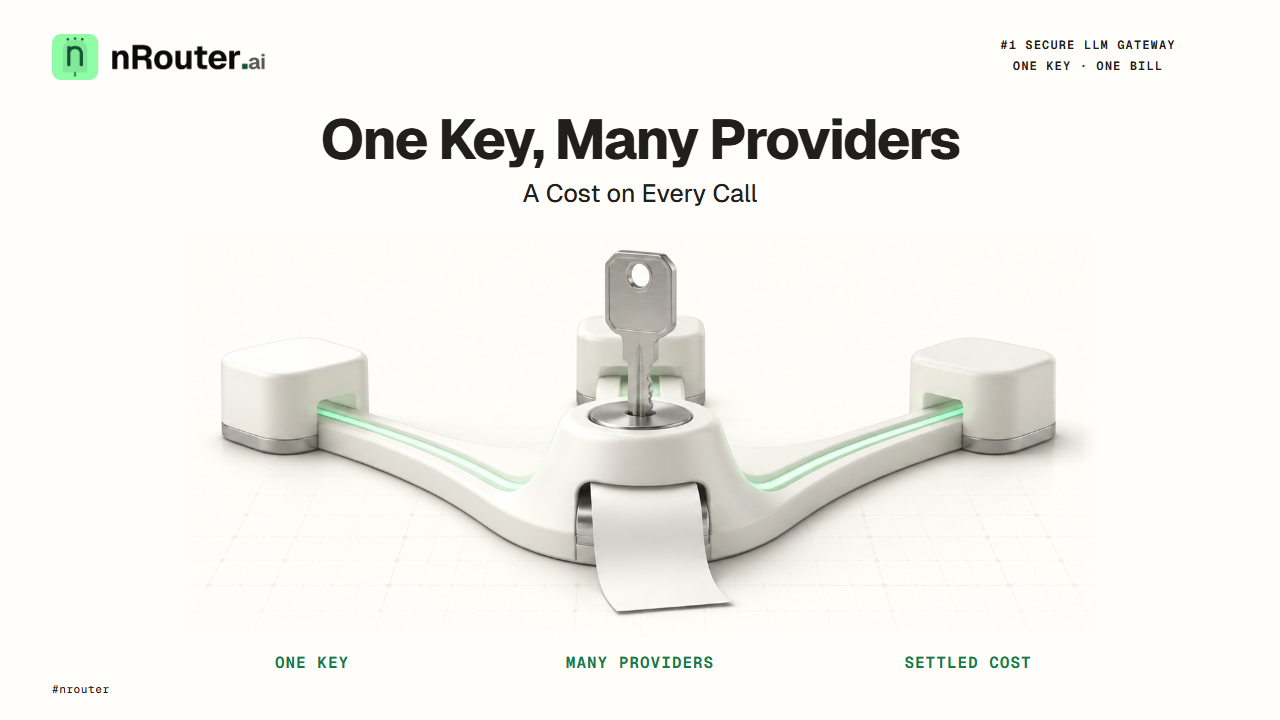
Figure 1: nRouter Managed Architecture — Universal OpenAI-compatible wire, atomic credit reservation, and multi-tenant budget governance.
What it does
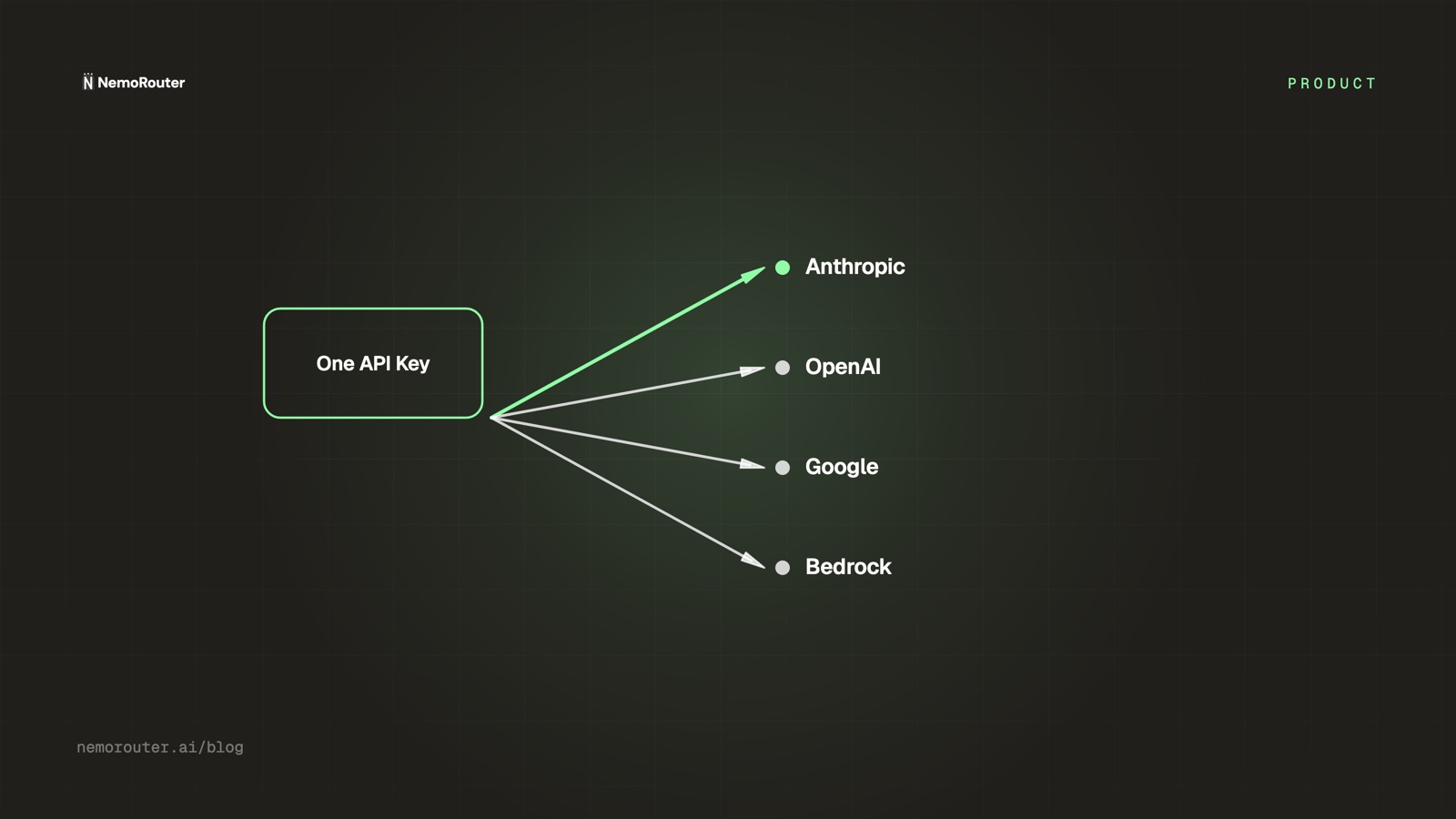
nRouter is a managed LLM gateway. You hold one key and one balance; we hold the provider relationships. Every call goes out through a place that enforces your budgets and guardrails, can fail over to another provider, and hands back the exact cost of that call on the response.
That is the whole product in one paragraph, and the rest of this post is the same claim with the numbers attached. There is no provider key to paste, no per-provider auth wiring, and no reconciliation across four invoices at the end of the month. There is one base URL — https://api.nrouter.ai/v1 — one environment variable, NROUTER_API_KEY, and a balance you top up.
If you are still working out what the category is rather than which vendor to pick, start with what an LLM gateway is and come back. This post assumes you already want one.
Request flow
What happens inside nRouter when your app calls a model.
Your application
OpenAI SDK · sk-nrouter-…
nRouter Rust Gateway
direct customer inference
- Virtual-key auth · tenancy
- Route · IP · lifecycle policy
- Budgets · rate limits
- Pre-call guardrails
- Cortex sidecar
- Reserve credits
- Provider routing
Providers
- OpenAI
- Anthropic
- Vertex
- Azure
- Alibaba
response ↩ read cost · settle credits · log · stream back
Onboarding
From sign-up to your first API call in six steps.
Sign up
Supabase Auth
Verify email
magic-link or pwd
Choose plan
Pay as you go · Pro · Enterprise
Set up team
Default auto-created
Create key
sk-nrouter-… (once)
First call
x-nr-* headers
One org per user · Default team auto-created · key shown once
Architecture
The services in the request path and where data lives.
Your application
nRouter Rust Gateway
Policy · tenancy · money
- Virtual-key auth · Guardrails
- Credits · Budgets · Rate limits
- Tenant derived from key row
Provider routing
- Provider transforms · Fallbacks
- Cost settle · Spend logging
- Canonical Postgres store
Providers
OpenAI · Anthropic · Google Vertex AI · Azure Foundry · Alibaba
The services in the request path and where data lives.
The job it does for you
The job is not "call a model." Your SDK already does that. The job is everything that becomes necessary the moment more than one person, one service, or one provider is involved.
The workflow before. Keys for OpenAI, Anthropic and a cloud provider live in three places, rotated on three schedules. Each SDK has its own request shape, its own error taxonomy, and its own retry semantics, so integrating a new model is a sprint rather than a string. Three invoices arrive on three dates and none of them can be split by team, customer or feature. There is no ceiling anywhere, so a retry bug shipped on a Friday is discovered on the following Tuesday. Guardrails, if they exist, live in whichever service someone remembered to add them to.
The workflow after. One key per team or per service, each with its own budget and rate limit. One request shape. One balance, with a ledger you can read. A cost on every response, so attribution is arithmetic rather than archaeology. A fallback chain that turns a provider's bad hour into a few hundred extra milliseconds. Guardrails that run on every call because they run in the one place every call passes through.
Four things follow from that single seam, and they are the four outcomes that actually get a gateway funded — total spend, unit cost, performance under load, and how fast the next AI feature ships. Those are worked out in finance's language in four outcomes that get an LLM gateway funded.
How it works
The customer-visible contract has three halves worth knowing: what you configure, what happens to a request, and what comes back.
What you configure. An organisation holds credits and billing. Teams inside it hold keys, guardrails and budgets. Each virtual key is scoped to one team, and carries its own budget ceiling, RPM and TPM limits, and the set of models it may reach. The scoping model — and why per-team is the useful granularity rather than per-service — is in org, team, member.
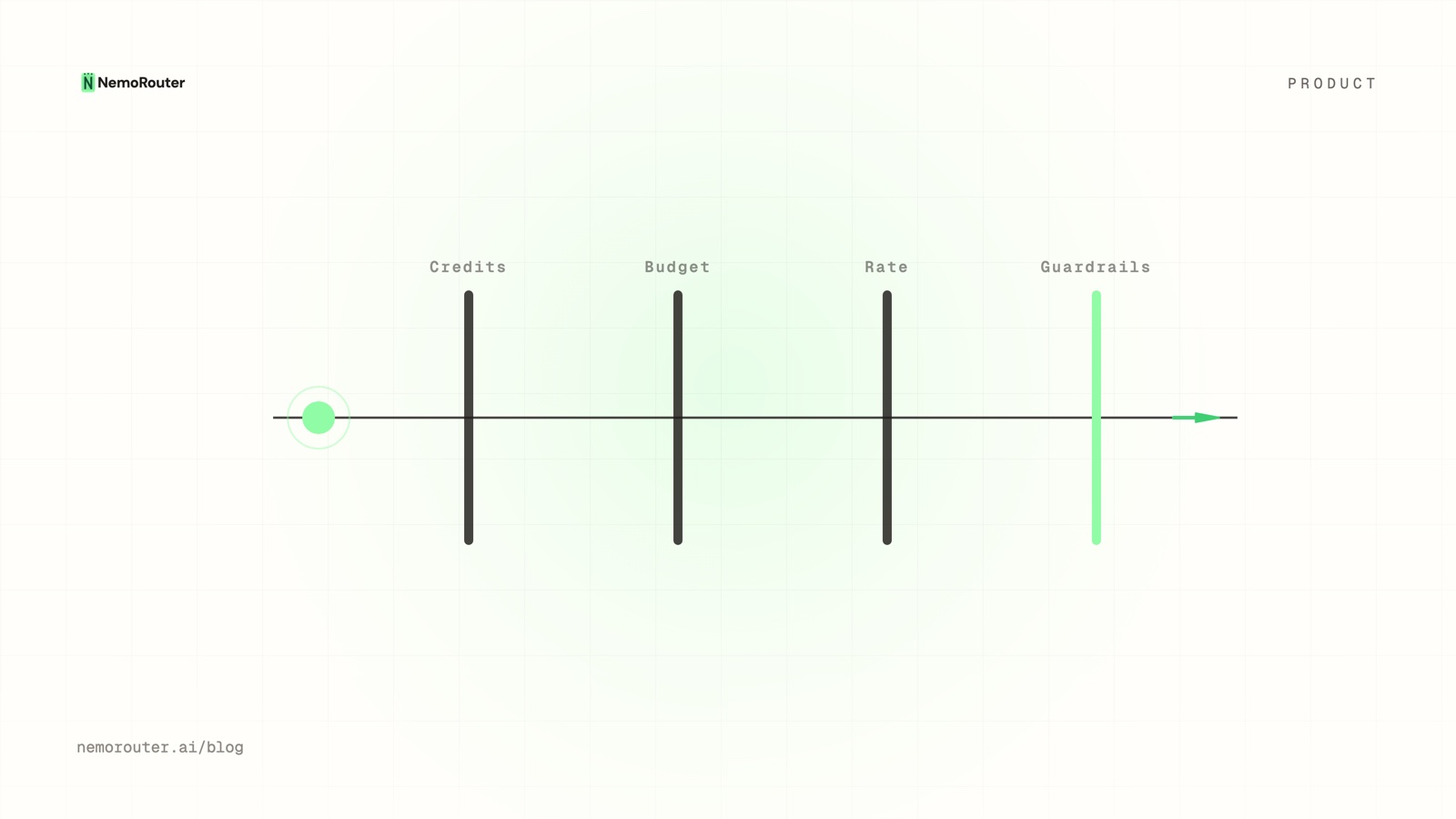
What happens to a request. The key authenticates and resolves to an organisation and a team. Pre-call guardrails run. Every ceiling is checked before the provider is called, because a check that runs afterwards is a bill you have already incurred. Credit is held against the call, the provider is called, post-call guardrails run on the way back, and then the hold is settled against the real cost rather than the estimate. That reserve-then-settle shape is what keeps a burst of concurrent calls from slipping past a ceiling; it is worked through in reserve-and-settle.
What comes back. The provider's response, plus headers in the x-nr-* namespace. The important one is x-nr-request-cost, the exact cost of that call, paired with x-nr-cost-status. When the cost cannot be determined, the cost header is absent and the status reads unpriced — never a zero. A fabricated zero is worse than a gap, because a gap gets investigated and a zero gets summed into a total that someone then trusts. The argument is cost honesty.
When a ceiling stops a call, the error names which ceiling:
| Ceiling | Status | Error code |
|---|---|---|
| Organisation, team or user budget | 402 | budget_exceeded |
| Per-key budget | 429 | key_budget_exceeded |
| Per-key RPM/TPM rate limit | 429 | rate-limit code naming the limit |
Both are ordinary HTTP: 429 Too Many Requests is
RFC 6585 §4 and
402 Payment Required is
RFC 9110 §15.5.3,
so a client that already retries on 429 needs no new machinery — only a rule
for the code that means "add credit", not "wait". The client-side half of
handling both families is
handling 429 and 402.
Set it up
Five steps, and the whole thing fits in a lunch break.
- Create an account. Sign up, confirm your email, add a card, and load the $5 minimum; the platform fee is charged on top.
- Create a virtual key scoped to the team that owns the service you are pointing at us. The full
sk-nrouter-…value is shown exactly once; put it straight into your secret manager and never into a repository. The lifecycle is in API key management. - Put a ceiling on the key before you use it. A budget and an RPM limit, set at creation rather than after the first surprise. See budget controls.
- Point one existing service at the gateway. Two strings.
- Read the cost header on the first response to prove the loop is closed.
The client change is the entire migration — the same
official openai client, two
different strings:
- client = OpenAI(api_key=os.environ["OPENAI_API_KEY"])
+ client = OpenAI(
+     base_url="https://api.nrouter.ai/v1",
+     api_key=os.environ["NROUTER_API_KEY"],
+ )
And the verification, which is the step people skip and then wish they had not:
from openai import OpenAI
import os

client = OpenAI(
    base_url="https://api.nrouter.ai/v1",
    api_key=os.environ["NROUTER_API_KEY"],
)

resp = client.chat.completions.with_raw_response.create(
    model="claude-sonnet-4-5-20250929",
    messages=[{"role": "user", "content": "Hello from nRouter."}],
)

print(resp.headers.get("x-nr-request-cost"))   # absent when unpriced
print(resp.headers.get("x-nr-cost-status"))    # "exact" | "unpriced"
Anthropic, OpenAI and AWS Bedrock are live today — each publishes its own model listing (Anthropic, OpenAI, Bedrock) — but which specific models your key can reach is a live question rather than a fixed list, and the models page is the current answer. If you are wiring a framework rather than a raw SDK, there are drop-in pages for LangChain, LlamaIndex, CrewAI and the Vercel AI SDK. The ten-minute path from zero is the quick start.
Worked example with numbers
Take a product team spending $8,000/month across two providers, split between a customer-facing assistant and an internal batch pipeline. Here is what the first month on nRouter looks like as a table rather than a claim.
What the platform costs on top: on every plan, loading $8,000 of credits is an $8,320.00 charge (checkout rounds up to the cent), and the fee is 4% of the credits — $320.00/month, with no minimum fee. The plans themselves are on the pricing page.
A subscription does not change that number. Starter ($20/mo), Pro ($50/mo) and Max ($200/mo) add a fixed monthly line and buy a monthly nrouter/auto allowance and higher rate limits, not a lower fee — top-ups on them pay the same 4%. If you need neither, pay as you go is the cheaper way to run this month and we would rather you stayed on it.
What the same $8,000 looks like once it is attributed:
| Key | Team | Share | Monthly spend | Budget | Rate limit |
|---|---|---|---|---|---|
assistant-prod | Product | 60% | $4,800 | $6,000 | 600 RPM |
batch-enrich | Data | 30% | $2,400 | $3,000 | 120 RPM |
internal-eval | Platform | 10% | $800 | $1,000 | 60 RPM |
The budget column is the part that pays for itself the first time it fires. An eval harness that loops overnight stops at $1,000 with a 429 key_budget_exceeded instead of running to $12,000 and being discovered on an invoice. Adding tags to each call turns the same three rows into a per-customer or per-feature breakdown — see attribution tags — and cost vs usage is how you then find the model that is quietly expensive rather than the one that is obviously popular. To model your own number before you have data, the cost calculator is the first draft; replace its guesses with measurements inside a month.
What it costs
Plainly, from the pricing page:
- Pay as you go — $0 subscription and a 4% platform fee charged on top, calculated as 4% of the credits ($100 of credits is $104.00 at checkout). The amount you load reaches your balance in full; the fee is added at purchase rather than deducted from your credits.
- Starter — $20/mo, the same 4% platform fee on top-ups, plus a $60/mo
nrouter/autoallowance and higher rate limits. - Pro — $50/mo, the same 4% platform fee, plus a $100/mo
nrouter/autoallowance and higher rate limits. - Max — $200/mo, the same 4% platform fee, plus a $400/mo
nrouter/autoallowance and higher rate limits. - Enterprise — custom terms, contact sales only. No self-serve checkout.
Two facts stated here rather than discovered later. There is no free tier: a card comes before the first call and the $5 minimum purchase is a real charge with the platform fee on top. And the token rates themselves are the provider's — a vendor choice moves the layer on top, not the underlying rate card. The minimum credit purchase is $5; amounts above it are yours to choose rather than a set of fixed buttons. How credits behave once loaded, and how to read the ledger, is reading a spend ledger.
What is included on every plan
This is the part that surprises people, so it is a list rather than a sentence. Guardrails, A/B tests, prompt management, evals and per-team budgets are on every plan. Plans vary the monthly nrouter/auto allowance and the rate limits and nothing else; the platform fee is 4% on every plan. There is no feature flag flipped on upgrade.
| Capability | Pay as you go | Pro | Enterprise |
|---|---|---|---|
| Guardrails, pre-call and post-call | Yes | Yes | Yes |
| Per-team and per-key budgets | Yes | Yes | Yes |
| RPM/TPM rate limits per key | Yes | Yes | Yes |
| Provider fallback chains | Yes | Yes | Yes |
| A/B testing across models | Yes | Yes | Yes |
| Server-side prompt templates and versioning | Yes | Yes | Yes |
| Per-request cost header and spend analytics | Yes | Yes | Yes |
| Log forwarding to your own sink | Yes | Yes | Yes |
The commercial reasoning behind refusing to gate any of it is we charge a fee, not a gate. The practical consequence is that you can evaluate the governance features on the cheapest plan, which is the opposite of how gateway pricing usually works — you can create a guardrail on pay as you go and if it ever asks you to upgrade, that paragraph is a defect worth an email.
Where it fits with the rest of the platform
Each capability has a post that goes deeper than this one can:
- Cost tracking across providers. One cost formula, one header, one ledger. A guide to LLM cost tracking.
- Guardrails on every request. PII redaction and content rules, pre-call and post-call. Guardrails on every request.
- Budgets versus rate limits. Different controls for different failure shapes; knowing which to reach for is most of the operational skill. Budgets vs rate limits.
- Provider fallback. Surviving a bad provider hour without stranding a request. Provider fallback chains.
- Prompt management. Version prompts server-side so a wording change stops being a deploy. Server-side prompt templates.
- Routing by cost and quality. Send the cheap traffic to the cheap model without touching application code. Route by cost vs quality.
- Per-customer billing. If your product resells AI, the attribution above is the billing input. Per-customer LLM billing.
Limits and what it will not do
- No BYOK. You cannot bring your own provider keys. nRouter holds the provider relationship and you hold credits. This rules some teams out, deliberately, and the reasoning is why we do not do BYOK. In particular, a committed-spend discount you negotiated directly with a provider does not travel through us.
- We are a hop in your request path. One dependency becomes two. That is why the status page is public and why fallback behaviour is documented rather than implied. The trade is argued in why we carry the pager.
- A retry is a second call and a second provider charge. What is guaranteed is that the credit hold is taken once per customer request rather than once per attempt; the provider still bills for the attempts it served.
- An unpriceable call is reported as unpriced. Your reconciliation must handle an absent cost header rather than reading it as zero.
- Bodies are not logged or retained for you. The audit trail is metadata only, and no prompt or completion text enters it. The one qualification is a short-lived serving cache: a response body may be held for a few minutes, keyed to your organisation and team, so a byte-identical repeat request can be answered without calling the provider again. It is a cache and not a record — you cannot read it back through any API, it is not exported, and it expires on its own. If you want bodies kept, forward them to a sink you control, and read what to log and not log first, because prompt text is personal data and the GDPR's minimisation principle applies to it the moment you decide to keep it.
- SOC 2 Type II is in progress, not certified. The AICPA defines what a SOC 2 examination is, and "in progress" is not one of its outcomes. If your procurement checklist needs a completed report today, raise it early. Current posture is on the trust page, and the checklist we hold ourselves to is a SOC 2 checklist for LLM gateways.
Who this is wrong for
- One service, one provider, no attribution requirement. A direct SDK call is correct and a gateway is overhead. We would rather say so than sell you one.
- Teams with a large committed-spend contract. Run the arithmetic against your own rate card before anything else.
- Organisations that forbid a third party in the request path. Self-hosting is the answer; no feature-parity argument moves a compliance boundary.
- Anyone who needs a free evaluation tier. There is not one. The $5 minimum is a real charge on a real card.
Try it
Create an account at signup and load the $5 minimum, with the platform fee on top. Create a key scoped to one team, set a small budget on it, point one existing service at https://api.nrouter.ai/v1 with NROUTER_API_KEY, and let it run for a day. You will finish with a real per-request cost distribution, a real attribution split, and a real answer on whether a subscription's allowance and limits are worth it to you — which is a better basis for a decision than any capability grid. The vendor-neutral version of the same evaluation is the LLM gateway buyer's guide, and the head-to-head comparisons live at /vs.
See also
- Why we built nRouter — the origin argument behind one key, one bill and zero provider config.
- Four outcomes that get an LLM gateway funded — the same product written in the budget owner's units, with the arithmetic.
- Every Feature on Every Plan: We Charge a Fee, Not a Gate — why the inclusion table above has no gaps in it.
- Reserve-and-settle: never overspend a credit balance — the mechanism that makes the ceilings hold under concurrency.
- Cost honesty: we read the number, we don't invent it — why an unknown cost is an absent header rather than a zero.
- Ship AI features faster — the same setup as a day-one delivery story rather than a platform story.
- Pricing — the authoritative fee, subscription price and minimum purchase in their live form.
Sources
Verified 2026-08-23. If a linked page has changed since, email hello@nrouter.ai and we will correct this post.
- nRouter plans and fees: nrouter.ai/pricing — a platform fee of 4% of the credits on every plan, from $0 pay as you go to Starter ($20/mo), Pro ($50/mo) and Max ($200/mo), $5 minimum purchase.
- nRouter live model catalog: nrouter.ai/models — which models a key can reach today.
- OpenAI API reference: platform.openai.com/docs/api-reference — the Chat Completions contract
https://api.nrouter.ai/v1is compatible with. - OpenAI API pricing: openai.com/api/pricing — the per-model rates the platform fee sits on top of.
- Anthropic pricing: anthropic.com/pricing — per-model rates for the Claude family.
- AWS Bedrock pricing: aws.amazon.com/bedrock/pricing — Bedrock is live on nRouter and AWS publishes its own rates.
- Provider model listings: Anthropic, OpenAI, AWS Bedrock model IDs — the upstream catalogues behind the live list on /models.
- Official OpenAI client library: github.com/openai/openai-python — the SDK the two-line migration is made in.
- RFC 6585 §4 (
429 Too Many Requests) and RFC 9110 §15.5.3 (402 Payment Required) — the standard meanings of the two ceiling responses: datatracker.ietf.org/rfc6585, datatracker.ietf.org/rfc9110. - GDPR Article 5: gdpr-info.eu/art-5-gdpr — the minimisation principle behind not storing bodies by default.
- AICPA on SOC 2: aicpa-cima.com — what a Type II report is, and why "in progress" is not it.
OpenAI, Anthropic and AWS are trademarks of their respective owners. nRouter is not affiliated with or endorsed by them. All claims above are sourced from their public pricing or documentation on the date shown.