

Measure TTFT and Trace an LLM Request Step by Step in Python
Send an nrouter/auto request with the Python SDK, read routing, guardrails and cost from its headers, fetch the request back by id, print every gateway step with its start, end and duration, then measure TTFT and latency over N runs.


The short answer: install
nrouter-sdk, stream onenrouter/autorequest, and time it on the client: the first content delta is your time to first token (TTFT), the last byte is your latency. Then read the same request back with the same key athttps://app.nrouter.ai/api/nrouter-proxy/spend/by-key?request_id=<id>— its record carries the cost, the server-side first-token time, and a per-step trace you can print as start, end and duration for every step the gateway ran.
The short answer
A latency number without its parts is an argument nobody can settle. When a chat feels slow, the question is never only "how long did it take" but "where did the time go": your network, the gateway's checks before the call, the provider generating tokens, or the work after the last token. This guide builds one self-contained Python script that answers both questions for every request it sends.
It uses two customer surfaces and nothing else: the nRouter Python SDK, which
captures the x-nr-* response headers into client.last_response on every call, and a
read-back route on the app host that returns one request's record, authenticated by the
same sk-nrouter-… key that sent it. The full request contract is in the
chat completions reference; what each log field
means is in the observability guide.
| You want | Where it comes from |
|---|---|
| TTFT and total latency as your users feel them | Client clock, around the streamed call |
| Served model, routing, attempts, guardrail posture | client.last_response (response headers) |
Exact cost, or unpriced | The request's record, read back by id |
| Server-side first-token time | completionStartTime − startTime on the record |
| Where the gateway spent its time | metadata.nrouter_trace on the record |
When you need this
Three situations bring people here:
- You are benchmarking. You want TTFT and latency numbers you can defend, with the sample count, the served model and the failures written next to them — not a single lucky run quoted as a percentile.
- A request was slow and you need to know why. The client saw five seconds; you want to know how much of that was the provider and how much was everything around it.
- You run
nrouter/auto. The model that answers can differ from run to run, so a latency figure that is not grouped by served model mixes two distributions into one.
The deeper background on percentiles is in LLM Latency: p50, p95, p99, and Time-to-First-Token; this guide is the hands-on half.
What you need first
- An nRouter account. Sign up at app.nrouter.ai/signup. Pay as you go starts from a $5 credit purchase, 0% platform fee; a purchase charges exactly the credits bought (pricing).
- A virtual key (
sk-nrouter-…) exported asNROUTER_API_KEY. The quick start shows where to create one. - Python 3.10 or newer, the version the SDK's package metadata requires.
- A funded balance. Every measured run is a real, billed request at the served model's list price; nothing here is simulated.
Step 1 — Install the SDK and set your key
pip install nrouter-sdk
export NROUTER_API_KEY="sk-nrouter-..."
The package is published as nrouter-sdk on PyPI
and imported as nroutersdk. Its source is public on
GitHub. Two defaults matter for
benchmarking: the client reads NROUTER_API_KEY from the environment, and it does not
retry a failed call on its own, because a retried POST is a second billed request. A
benchmark that hides retries reports a latency no single request actually had.
Step 2 — Send one nrouter/auto request and read its headers
from nroutersdk import nRouter

with nRouter() as client:
    client.nrouter.chat(
        messages=[{"role": "user", "content": "Name three uses of a hash map."}],
        model="nrouter/auto",
        cache=False,          # measure a real provider call, never a cache hit
        max_tokens=128,
    )
    meta = client.last_response
    print("request id ", meta.request_id)
    print("served by  ", meta.model)
    print("routing    ", meta.routing, "attempts:", meta.attempts)
    print("guardrails ", meta.guardrails)
    print("cost       ", meta.cost, meta.cost_status)
    print("latency    ", meta.latency_ms, "ms (arrival to response headers)")
client.last_response is filled from the response headers after every call:
| Attribute | Header | What it tells you |
|---|---|---|
request_id | x-nr-request-id | The id you read the request back with, and quote in support |
model | x-nr-model | The model that actually answered; for nrouter/auto, the one it chose |
routing | x-nr-routing | direct, or fallback:<n> when a later chain entry answered |
attempts | x-nr-attempts | Provider calls made for this request |
guardrails | x-nr-guardrails | Pre-call guardrail posture: pass, redacted, blocked, … |
compression | x-nr-compression | Prompt compression outcome for this request |
cost / cost_status | x-nr-request-cost / x-nr-cost-status | Exact USD cost, or unpriced; the cost header is absent when unpriced, never zero |
latency_ms | x-nr-latency-ms | Gateway time from arrival to response headers ready |
Read latency_ms carefully: it ends when the headers are ready. On a buffered call that is
close to the whole request; on a stream the headers go out before the first token, so it
is a time-to-headers figure and not TTFT. On a stream the cost is settled after the
last token, which is why Step 3 reads it from the record instead of a header.
Step 3 — Read the request back by its id
The gateway answers inference only. To read a request back, call the app host with the same key that sent it:
curl -s "https://app.nrouter.ai/api/nrouter-proxy/spend/by-key?request_id=$REQUEST_ID" \
  -H "Authorization: Bearer $NROUTER_API_KEY"
The answer is exactly one record. Its shape, with each value replaced by a description of what it holds:
{
  "log": {
    "request_id": "<the x-nr-request-id you asked for>",
    "model": "<the model that served it>",
    "spend": "<USD charged, or null when unpriced>",
    "cost_status": "<exact | unpriced>",
    "prompt_tokens": "<integer>",
    "completion_tokens": "<integer>",
    "startTime": "<ISO timestamp>",
    "completionStartTime": "<ISO timestamp on a stream, null when buffered>",
    "request_duration_ms": "<integer>",
    "cache_hit": "<True | False | null>",
    "status": "<status>",
    "metadata": { "nrouter_trace": { "v": 1, "steps": ["<events>"], "coverage": {} } }
  },
  "total": 1
}
Three rules make this route safe to call from application code. It answers one
request_id and nothing else — any other query parameter is a 400. A request id that does
not exist, or belongs to another organization or another team, returns the same
{"log": null, "total": 0}, so it never confirms that someone else's id exists. And
spend is null with cost_status: "unpriced" when a request could not be priced; it is
never reported as zero. Settlement happens after the response finishes, so the record can
lag the response briefly; the script polls a few times with a pause between reads.
completionStartTime is present on a streamed request and null on a buffered one.
Subtract startTime from it and you have the server's view of TTFT, which you can set
beside the client's to separate network time from gateway and provider time.
Step 4 — Print each step's start, end and duration
metadata.nrouter_trace is a list of events. A START names a step and carries its offset
in microseconds from the moment the request reached the gateway; an END carries the
same id, its own offset and an outcome (ok, refused, error, timeout, cancelled).
Pair them by id, sort by start, and print. Time that falls between two top-level steps
belongs to no declared step, so the script prints it as an explicit gap rather than
hiding it inside a neighbour.
Here is what that looks like for one measured production request — a single
nrouter/auto chat completion on 2026-10-15, cache off. It is an example of the output,
not a benchmark and not a promise of what your request will take:
| Step | What it covers | Took (ms) |
|---|---|---|
key_auth | Authenticating the virtual key | 30.6 |
prompt_apply | Applying your organization's prompt template, if any | 110.1 |
| untraced gap | Between two declared steps | 40.6 |
rate_limit | Your RPM and TPM windows | 49.3 |
guardrails_scoring | Pre-call content inspection | 93.3 |
concurrency_permit | Your concurrency slot | 170.8 |
auto_decision | nrouter/auto choosing the model | 369.7 |
reserve | The credit hold for the request | 86.1 |
compression | Prompt compression decision (x-nr-compression: skipped) | 36.9 |
| untraced gap | Between two declared steps | 65.1 |
provider | The provider call | 4,465 |
attempt_record | Recording the provider attempt | 71.5 |
post_call | Post-call guardrails on the response | 41.9 |
Steps under a tenth of a millisecond (edge_body_read, auth_acl, route_prepare,
cache_lookup, response_read) are left out of the table. The arithmetic: everything
before provider sums to about 1,053 ms, the provider took 4,465 ms, and the work after it
about 113 ms — 5,631 ms from arrival to the written record. That split is the point of the
trace: in this request the provider was most of the wait, and the steps before it were a
measurable, nameable second. Your own numbers will differ by model, prompt, time of day
and where you call from, which is exactly why you measure them yourself.
Step 5 — Run the complete script over N requests
Save this as ttft_trace.py. It needs only the SDK (its HTTP client, httpx, comes with
it) and NROUTER_API_KEY.
"""Measure TTFT and latency through nRouter, then print each request's step trace.

    pip install nrouter-sdk
    export NROUTER_API_KEY=sk-nrouter-...
    python ttft_trace.py --runs 5
"""
import argparse
import math
import os
import time
from collections import defaultdict
from datetime import datetime

import httpx
from nroutersdk import nRouter

APP = "https://app.nrouter.ai"
PROMPT = "In three sentences, explain what time to first token measures."


def send_one(client, model, max_tokens):
    t0 = time.perf_counter()
    stream = client.nrouter.chat(
        messages=[{"role": "user", "content": PROMPT}],
        model=model, cache=False, stream=True, max_tokens=max_tokens,
    )
    t_headers = time.perf_counter()        # returns once the headers have arrived
    meta = client.last_response
    t_first, finished = None, False
    for chunk in stream:
        if not chunk.choices:
            continue
        choice = chunk.choices[0]
        if t_first is None and choice.delta and choice.delta.content:
            t_first = time.perf_counter()
        if choice.finish_reason:
            finished = True
    t_end = time.perf_counter()

    def ms(t):
        return None if t is None else (t - t0) * 1000

    return {"meta": meta, "headers_ms": ms(t_headers), "ttft_ms": ms(t_first),
            "total_ms": ms(t_end), "complete": finished}


def read_back(key, request_id, tries=10, pause_s=1.0):
    with httpx.Client(timeout=15) as http:
        for _ in range(tries):
            r = http.get(f"{APP}/api/nrouter-proxy/spend/by-key",
                         params={"request_id": request_id},
                         headers={"Authorization": f"Bearer {key}"})
            if r.status_code == 429:
                time.sleep(pause_s * 5)
                continue
            r.raise_for_status()
            log = r.json().get("log")
            if log:
                return log
            time.sleep(pause_s)
    return None


def parse_ts(value):
    return datetime.fromisoformat(value.replace("Z", "+00:00")) if value else None


def server_ttft_ms(log):
    start, first = parse_ts(log.get("startTime")), parse_ts(log.get("completionStartTime"))
    return (first - start).total_seconds() * 1000 if start and first else None


def print_steps(trace):
    opened, spans = {}, []
    for ev in trace.get("steps", []):
        if ev["k"] == "s":
            opened[ev["i"]] = ev
        elif ev["i"] in opened:
            s = opened.pop(ev["i"])
            spans.append((s["t"], ev["t"], s["n"], ev["o"], "p" in s))
    spans.sort()
    print(f"    {'step':<22}{'start ms':>10}{'end ms':>10}{'took ms':>10}  outcome")
    last_end = None
    for start, end, name, outcome, nested in spans:
        if not nested and last_end is not None and start > last_end:
            print(f"    {'(untraced gap)':<22}{last_end / 1000:>10.2f}"
                  f"{start / 1000:>10.2f}{(start - last_end) / 1000:>10.2f}")
        label = ("  " if nested else "") + name
        print(f"    {label:<22}{start / 1000:>10.2f}{end / 1000:>10.2f}"
              f"{(end - start) / 1000:>10.2f}  {outcome}")
        if not nested:
            last_end = end if last_end is None else max(last_end, end)
    for s in opened.values():
        print(f"    {s['n']:<22}{s['t'] / 1000:>10.2f}{'-':>10}{'-':>10}  unfinished")


def nearest_rank(values, pct):
    ordered = sorted(values)
    return ordered[max(1, math.ceil(pct / 100 * len(ordered))) - 1]


def summarize(label, values):
    if not values:
        print(f"  {label:<18} no samples")
        return
    line = (f"  {label:<18} n={len(values):<3} min={min(values):8.1f}"
            f"  p50={nearest_rank(values, 50):8.1f}")
    if len(values) >= 20:                   # a p95 needs at least 20 samples
        line += f"  p95={nearest_rank(values, 95):8.1f}"
    print(line + f"  max={max(values):8.1f} ms")


def main():
    ap = argparse.ArgumentParser()
    ap.add_argument("--runs", type=int, default=5)
    ap.add_argument("--model", default="nrouter/auto")
    ap.add_argument("--max-tokens", type=int, default=128)
    args = ap.parse_args()
    key = os.environ["NROUTER_API_KEY"]

    by_model, failed = defaultdict(list), 0
    with nRouter() as client:
        for n in range(1, args.runs + 1):
            try:
                s = send_one(client, args.model, args.max_tokens)
            except Exception as exc:
                failed += 1
                print(f"run {n}: failed ({type(exc).__name__})")
                continue
            meta = s["meta"]
            if meta is None or not s["complete"] or s["ttft_ms"] is None:
                failed += 1
                print(f"run {n}: stream ended early or sent no text; sample discarded")
                continue
            print(f"\nrun {n}  request {meta.request_id}  served by {meta.model}")
            print(f"  routing {meta.routing}  attempts {meta.attempts}"
                  f"  guardrails {meta.guardrails}  compression {meta.compression}")
            print(f"  client: headers {s['headers_ms']:.1f} ms  TTFT {s['ttft_ms']:.1f} ms"
                  f"  total {s['total_ms']:.1f} ms  (gateway header: {meta.latency_ms} ms)")
            by_model[meta.model].append(s)
            try:
                log = read_back(key, meta.request_id)
            except httpx.HTTPError as exc:  # the sample stands; only the read-back failed
                print(f"  read-back failed ({type(exc).__name__}); read it again later by request id")
                continue
            if log is None:
                print("  record not readable yet; read it again later by request id")
                continue
            cost = "unpriced" if log["spend"] is None else f"${log['spend']:.6f}"
            print(f"  cost {cost}  server TTFT {server_ttft_ms(log)} ms"
                  f"  server duration {log.get('request_duration_ms')} ms")
            trace = (log.get("metadata") or {}).get("nrouter_trace")
            if trace:
                print_steps(trace)

    print(f"\nsummary: {sum(map(len, by_model.values()))} good samples, {failed} failed")
    for model, samples in by_model.items():
        print(f" served by {model}")
        summarize("TTFT", [s["ttft_ms"] for s in samples])
        summarize("total latency", [s["total_ms"] for s in samples])


if __name__ == "__main__":
    main()
Run it with python ttft_trace.py --runs 5 while you build confidence, then raise
--runs to 20 or more before you read a p95. Four choices in the script are deliberate:
- TTFT is the first content delta, not the first chunk. A stream can open with a role-only chunk that carries no text.
- A sample without a finish reason is discarded and counted as failed. A stream that ended early did not finish, and its "latency" is a truncation, not a measurement.
- Percentiles are nearest-rank and grouped by served model.
nrouter/autocan choose a different model between runs; mixing them hides two distributions in one number. - The failure count is always printed. A p50 over the runs that happened to succeed is not the p50 your users saw.
One measured run, for scale
We ran the same measurement against api.nrouter.ai on 2026-10-15: 20 streamed requests per
model, from one client on a laptop, so every client figure includes that client's network
path. Treat it as one dated measurement, not a guarantee; run the script yourself, from where
your users are.
| Model asked for | Served by | Runs | TTFT p50 | TTFT p95 | Output tokens/s p50 | Failed |
|---|---|---|---|---|---|---|
nrouter/auto | a Gemini Flash reasoning model (all 20 runs) | 20 | 4,473 ms | 6,400 ms | 161 | 0 |
gpt-4o-mini | gpt-4o-mini | 20 | 1,239 ms | 1,728 ms | 134 | 0 |
The two rows answer different questions. The first model reasons before it answers, so most of its time to first token is reasoning, not transport: the answer then streams quickly. The second does not reason, so its first token arrives sooner. Compare models on your own prompt, and never compare a TTFT figure without its sample count beside it.
Verifying it worked
You know the script is measuring the right thing when four signals line up for a run:
| Signal | Where | What a correct run shows |
|---|---|---|
| Request id | Client output and the record | The same x-nr-request-id in both |
| Ordering | Client timings | headers ≤ TTFT ≤ total on every run |
| Server TTFT | Record | Smaller than the client's TTFT; the difference is your network and client time |
| Trace coverage | nrouter_trace | Every printed step has an end; unfinished steps appear only on a failed request |
If the provider row in the trace is most of the total, the provider is your bottleneck and
model choice is the lever — compare candidates on models. If the steps before
provider are large, the trace names them, and that is the evidence to bring to support
with the request id.
What goes wrong
- The record comes back as
{"log": null}. Symptom: every read returns null. Fix: the record is written after the response finishes, so wait and read again; if it never appears, you are reading with a key from a different team or organization than the one that sent the request — use the same key. - The read-back returns 401. Symptom:
VIRTUAL_KEY_UNAUTHORIZED. Fix: the key is wrong, revoked or blocked; the route accepts the samesk-nrouter-…key that made the inference call, never a dashboard session. - TTFT is missing or huge on some models. Symptom:
sent no text, or a TTFT close to the total. Fix: reasoning models can think before they emit text, and tool calls arrive as tool deltas rather than content; measure what your application actually waits for, and report it per served model. - Numbers look impossibly fast. Symptom: a near-zero provider step. Fix: the
request was answered from cache; keep
cache=Falsefor benchmarks and checkcache_hiton the record. - A 429 during a long run. Symptom: runs fail with a rate-limit error. Fix: you reached your key's RPM or TPM window, or polled the read-back too fast; read 429 vs 402 on an LLM Gateway: Which to Retry, Which to Stop and space the runs out.
Frequently asked questions
What is the difference between TTFT and latency?
Time to first token (TTFT) is how long the caller waits until the first generated text arrives on a streamed response. Latency, as this guide measures it, is the total time until the last byte of the response. TTFT decides how fast a chat interface feels; total latency decides how long a batch job or an agent step takes.
Is the x-nr-latency-ms header the same as TTFT?
No. x-nr-latency-ms is the gateway's own measurement from the moment the request arrived
to the moment its response headers were ready. On a streamed response the headers are sent
before the first token, so it is a time-to-headers figure. Measure TTFT on the client at
the first content delta, and read the server-side first-token time from the request's
record.
How many runs do I need before I quote a p95?
With nearest-rank percentiles, a p95 over fewer than 20 samples is simply the slowest or second-slowest run. The script reports min, p50 and max for any run count and adds p95 only from 20 samples upward. Report the sample count beside every percentile.
Does measuring cost money?
Yes. Every measured request is a real inference call and settles at the served model's
exact list price. Cap max_tokens, keep the run count small while you build the script,
and read each request's cost from its record.
Why does the step trace have gaps between steps?
The trace records the steps the gateway declares, as START and END offsets from the moment the request arrived. Time spent between two declared steps is not attributed to either one. The script prints those gaps explicitly so they are visible rather than silently folded into a neighbouring step.
Try it
Create a key at app.nrouter.ai/signup, run the script
with --runs 5, and keep the output: request ids, per-step traces and per-model
percentiles are the evidence a latency conversation needs. Teams that need dedicated
capacity or a private deployment can review
nRouter deployment options.
See also
- LLM Latency: p50, p95, p99, and Time-to-First-Token — what the percentiles mean and why TTFT and generation time must be read separately.
- How to Benchmark an LLM Gateway in Production: Cost, Latency, Reliability, and Quality — how to turn the samples this script collects into a benchmark you can defend.
- What an LLM Request Log Should Contain — and What to Leave Out — why the record you read back carries a trace and token counts but not your prompt.
- LLM Observability: Traces, Spend Logs, and Request Debugging — the dashboard view of the same per-step trace, for when you are not scripting.
- Reserve-and-Settle: Never Overspend a Credit Balance — what the
reservestep in the trace does with your balance. - Pricing — pay as you go, 0% platform fee, usage at the served model's exact list price.
Sources
Verified 2026-10-15. If anything here has drifted, email hello@nrouter.ai.
- nrouter-sdk on PyPI: pypi.org/project/nrouter-sdk
- nrouter-sdk source: github.com/nRouterGateway/nrouter-sdk
- Python
time.perf_counter: docs.python.org/3/library/time.html - HTTPX client: www.python-httpx.org
- Server-sent events (the streaming wire format): html.spec.whatwg.org/multipage/server-sent-events.html
- Nearest-rank percentile method: en.wikipedia.org/wiki/Percentile
- Production timings in Step 4: one
nrouter/autorequest measured on 2026-10-15 and read back through the route in Step 3; a single example, not a benchmark.
Frequently asked questions
What is the difference between TTFT and latency?
Time to first token (TTFT) is how long the caller waits until the first generated text arrives on a streamed response. Latency, as this guide measures it, is the total time until the last byte of the response. TTFT decides how fast a chat interface feels; total latency decides how long a batch job or an agent step takes.
Is the x-nr-latency-ms header the same as TTFT?
No. x-nr-latency-ms is the gateway's own measurement from the moment the request arrived to the moment its response headers were ready. On a streamed response the headers are sent before the first token, so it is a time-to-headers figure. Measure TTFT on the client at the first content delta, and read the server-side first-token time from the request's record.
How many runs do I need before I quote a p95?
With nearest-rank percentiles, a p95 over fewer than 20 samples is simply the slowest or second-slowest run. The script in this guide reports min, p50 and max for any run count and adds p95 only from 20 samples upward. Report the sample count beside every percentile.
Does measuring cost money?
Yes. Every measured request is a real inference call and settles at the served model's exact list price. Cap max_tokens, keep the run count small while you build the script, and read each request's cost from its record.
Why does the step trace have gaps between steps?
The trace records the steps the gateway declares, as START and END offsets from the moment the request arrived. Time spent between two declared steps is not attributed to either one. The script prints those gaps explicitly so they are visible rather than silently folded into a neighbouring step.

The team building nRouter.
More from Guides
All posts →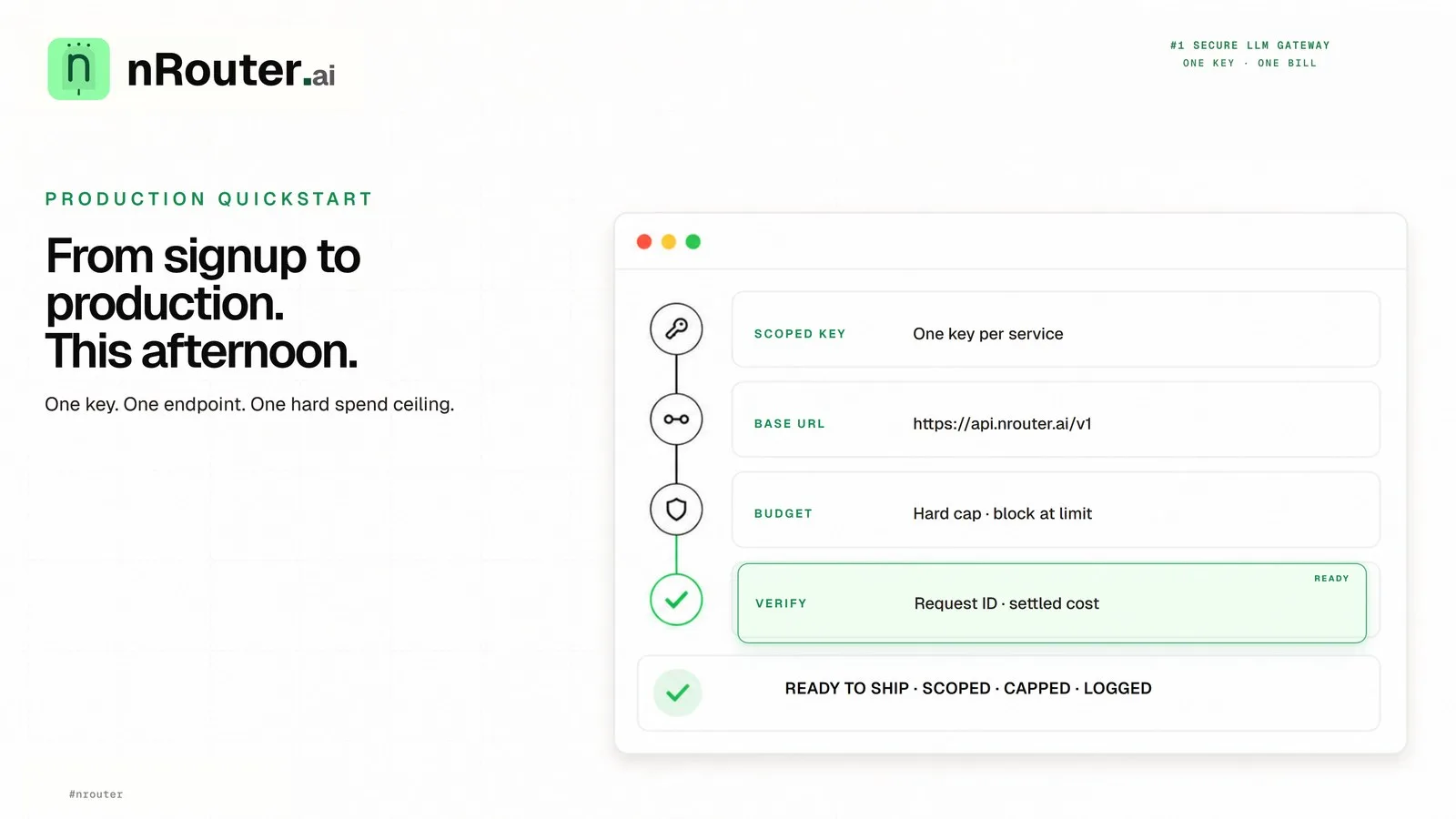
Ship Your First AI Feature: Signup to Production in an Afternoon
A step-by-step path from a funded nRouter account to a production LLM call with a spend ceiling on it — create a scoped key, point your existing OpenAI client at one base URL, cap the key, and verify the cost header came back.
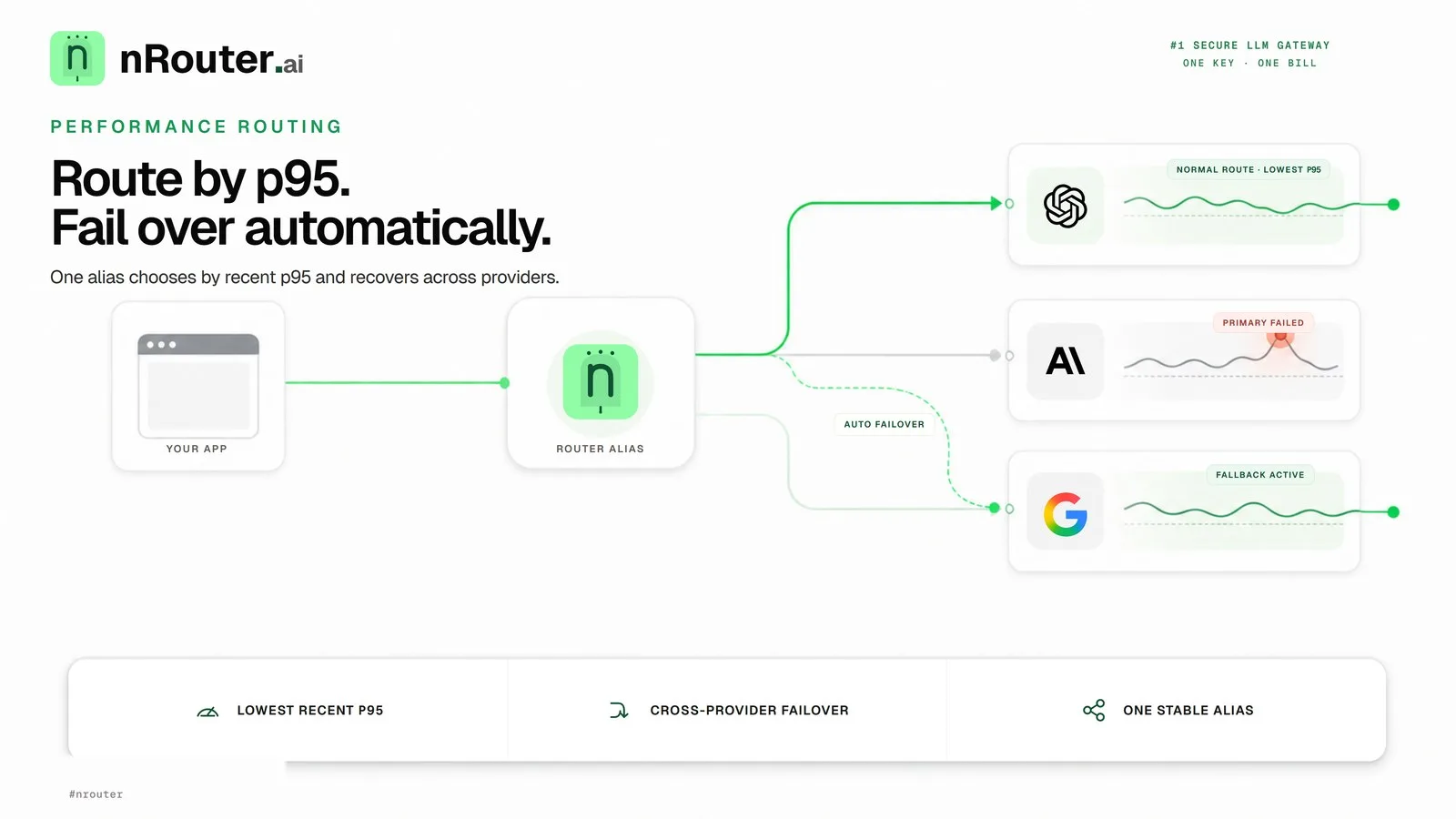
Latency Routing and Automatic Failover Without Retry Code
Point a router alias at a candidate set with the Latency strategy, keep the automatic cross-provider failover, tune the two settings that decide how fast a bad provider is abandoned, and prove the effect on your own p95.
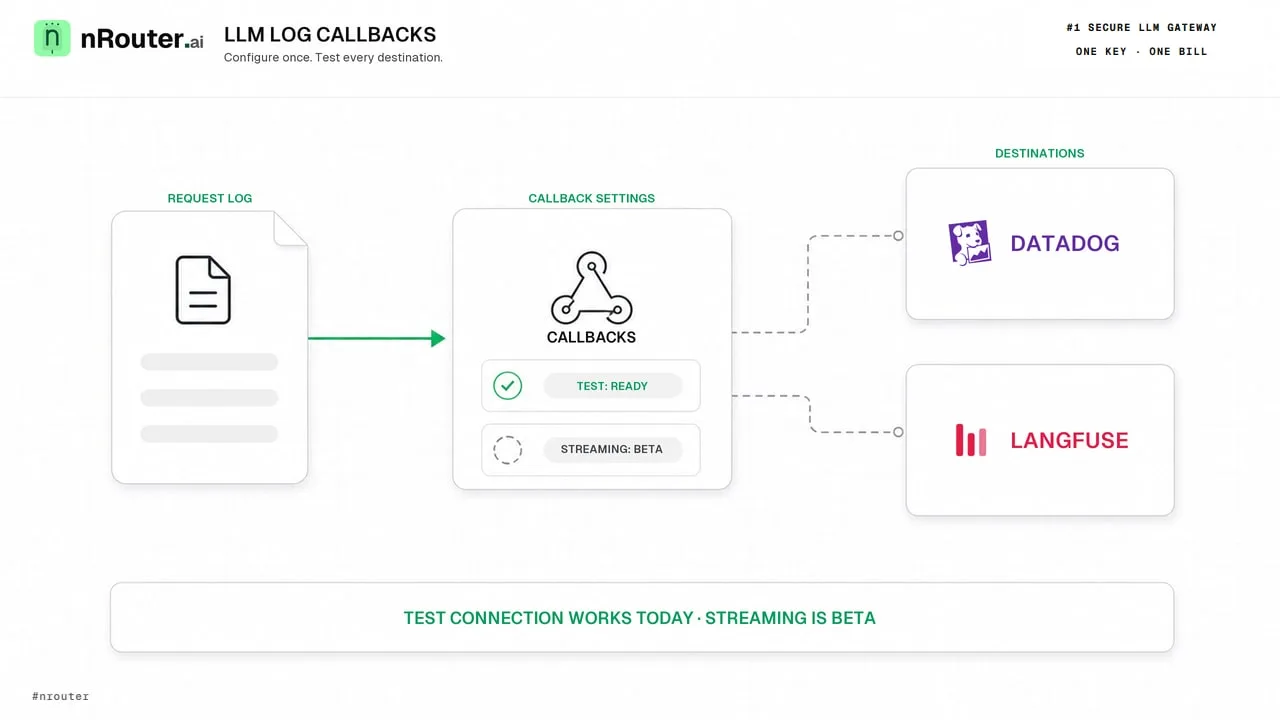
LLM Logs in Datadog and Langfuse: What Works Today
nRouter does not deliver request logs to Datadog or Langfuse yet. Here is what works today: response headers, request tags, CSV export and alert channels.