

Introduction
Get started with nRouter: the enterprise LLM gateway delivering unified access, automated failover, strict budget controls, and cost tracking with one API key.
Last updated
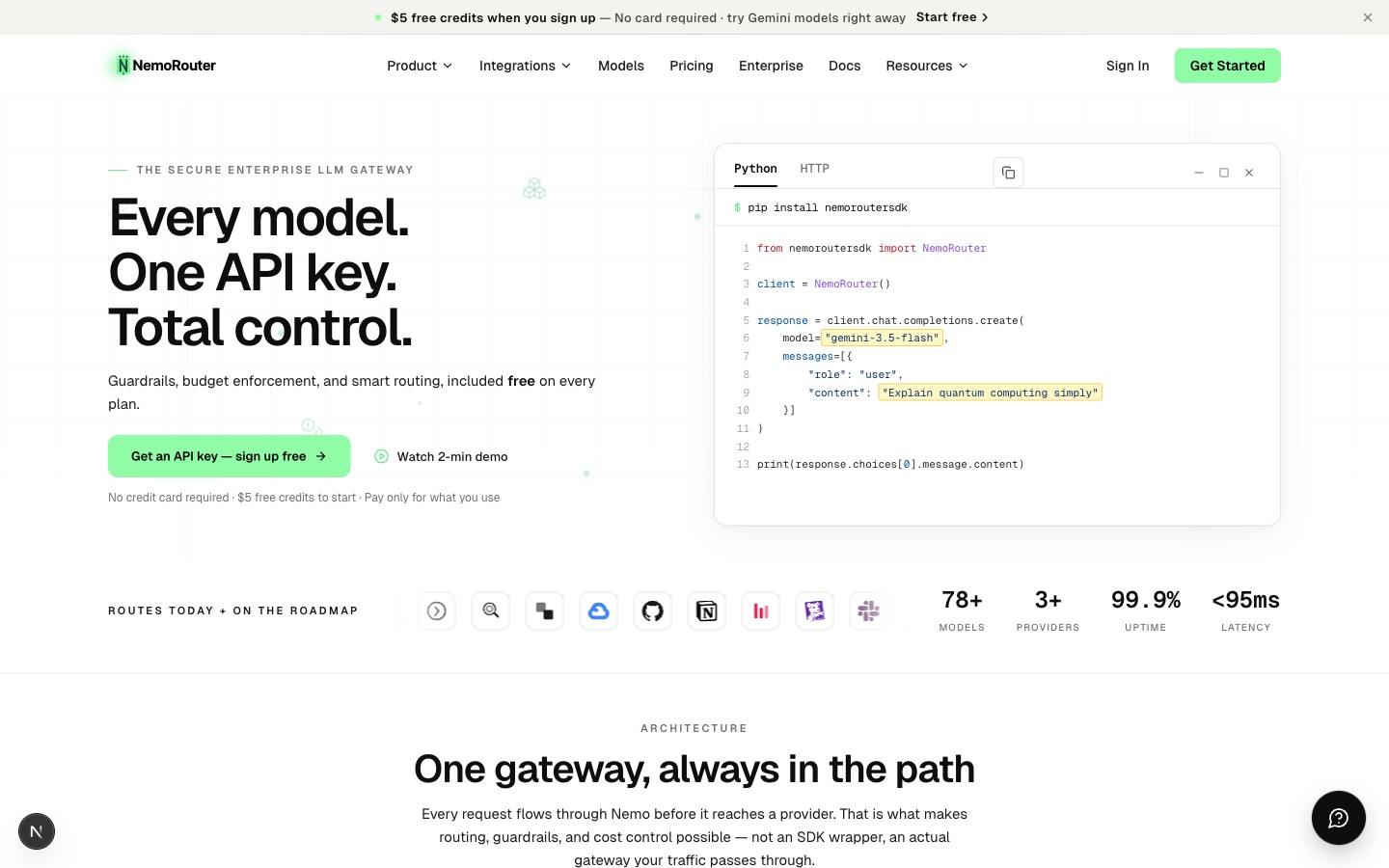
nRouter is an enterprise LLM gateway that gives your team one API key, one bill, and control in the request path. Call the models returned by your environment's live catalog through a single OpenAI-compatible endpoint, with budget enforcement, guardrails, and smart routing enforced before any call reaches a provider — not reported after the fact.
Why nRouter?
Managing multiple LLM providers is painful. Different API keys, different billing dashboards, different SDKs, different rate limits. nRouter eliminates all of that.
| Without nRouter | With nRouter |
|---|---|
| Manage API keys for every provider | One NROUTER_API_KEY for everything |
| Separate billing per provider | Single credit balance, one invoice |
| Different SDKs and endpoints | OpenAI-compatible — use any existing SDK |
| No visibility across providers | Unified analytics, spend tracking, and logs |
| No safety controls | Built-in guardrails, budget controls, and rate limits |
Key Features
One Key, One Bill
Buy credits, call any model. nRouter manages all provider keys behind the scenes. You never touch a provider API key.
OpenAI-Compatible API
Use any OpenAI SDK or HTTP client. Just change the base URL to https://api.nrouter.ai/v1 and swap your API key. Your existing code works immediately.
One Endpoint, Growing Catalog
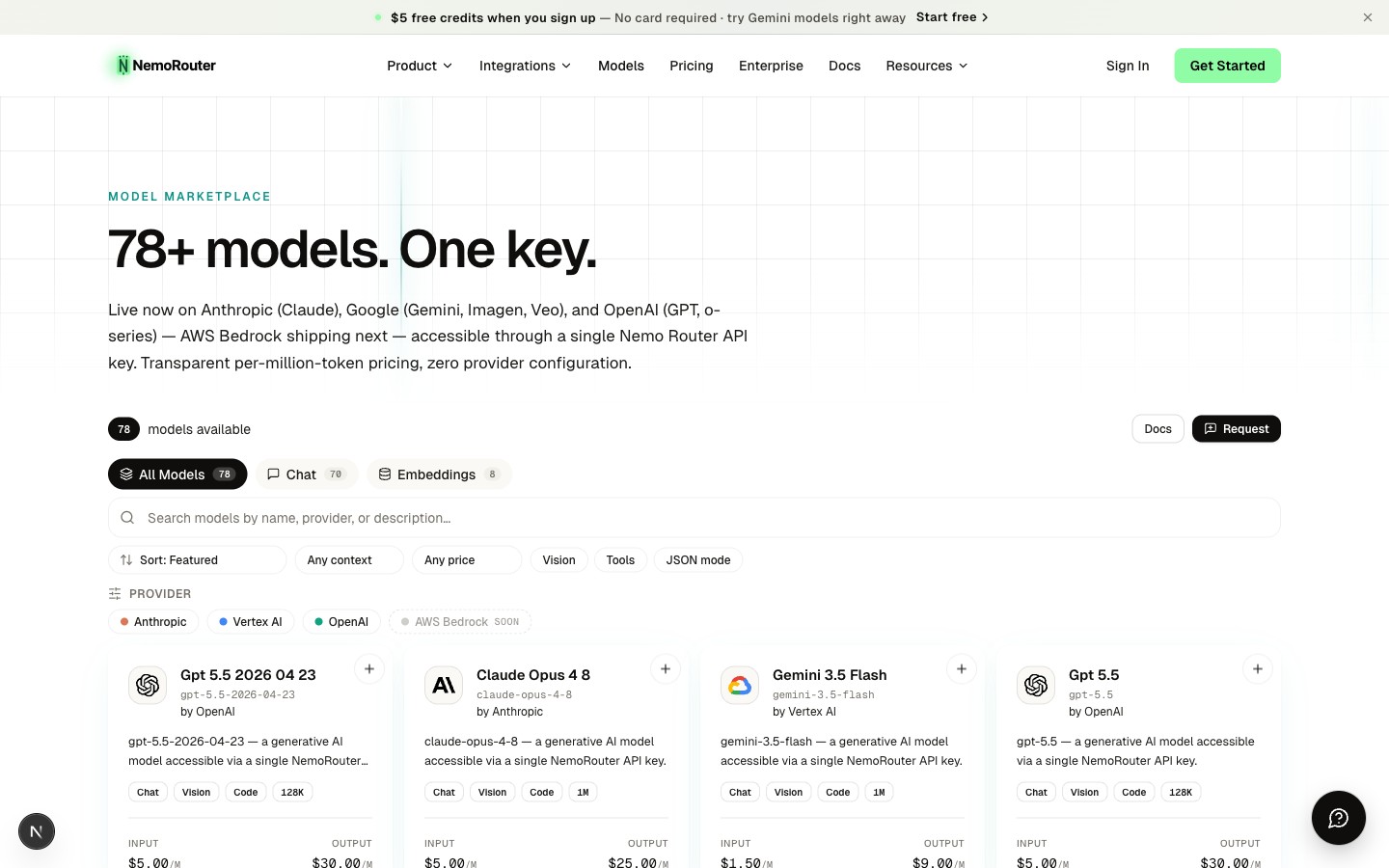
Access the models available in your live catalog through a single endpoint — no per-provider keys or SDKs:
- Alibaba US (live) — Qwen and DeepSeek models
- OpenAI (live) — GPT and o-series models
- AWS Bedrock (live) — Claude, Llama, DeepSeek, Nova, and Qwen
- Azure Foundry (live) — OpenAI-format and native/partner models
- Google Vertex AI (live) — Gemini models
- Anthropic (live) — Claude Opus, Sonnet, and Haiku
Use the live Models API as the authority for your environment; the Models page is the browsable view.
Enterprise Controls
- Guardrails — Content safety, PII detection, prompt injection prevention
- Budget controls — Spending limits per key, team, or organization
- Rate limits — RPM and TPM controls to prevent runaway costs
- Team management — Roles, permissions, and per-team budgets
- Analytics — Real-time spend tracking, usage breakdowns, and request logs
Getting Started
Getting up and running with nRouter takes three steps:
1. Create an Account
Sign up at nrouter.ai and complete the onboarding flow. You'll set up your organization and choose a plan.
2. Get Your API Key
After onboarding, create an API key from the API Keys page in your dashboard. Your key will look like sk-nrouter-xxxx. Copy it immediately — it's only shown once.
3. Make Your First Request
curl https://api.nrouter.ai/v1/chat/completions \
  -H "Authorization: Bearer $NROUTER_API_KEY" \
  -H "Content-Type: application/json" \
  -d '{
    "model": "gemini-2.5-flash",
    "messages": [
      {"role": "user", "content": "Hello, nRouter!"}
    ]
  }'
That's it. You're calling Gemini 2.5 Flash through nRouter. Change the model field to gemini-2.5-pro or any other model in the live catalog — no configuration needed.
How It Works
Your App → nRouter API → Provider (OpenAI, Anthropic, Google, etc.)nRouter sits between your application and the LLM providers. Every request flows through nRouter, which handles:
- Authentication — Validates your API key and checks permissions
- Guardrails — Applies any configured safety controls
- Routing — Sends the request to the right provider
- Cost tracking — Records token usage and spend against your credit balance
- Response — Returns the provider's response with nRouter headers for observability
Pricing
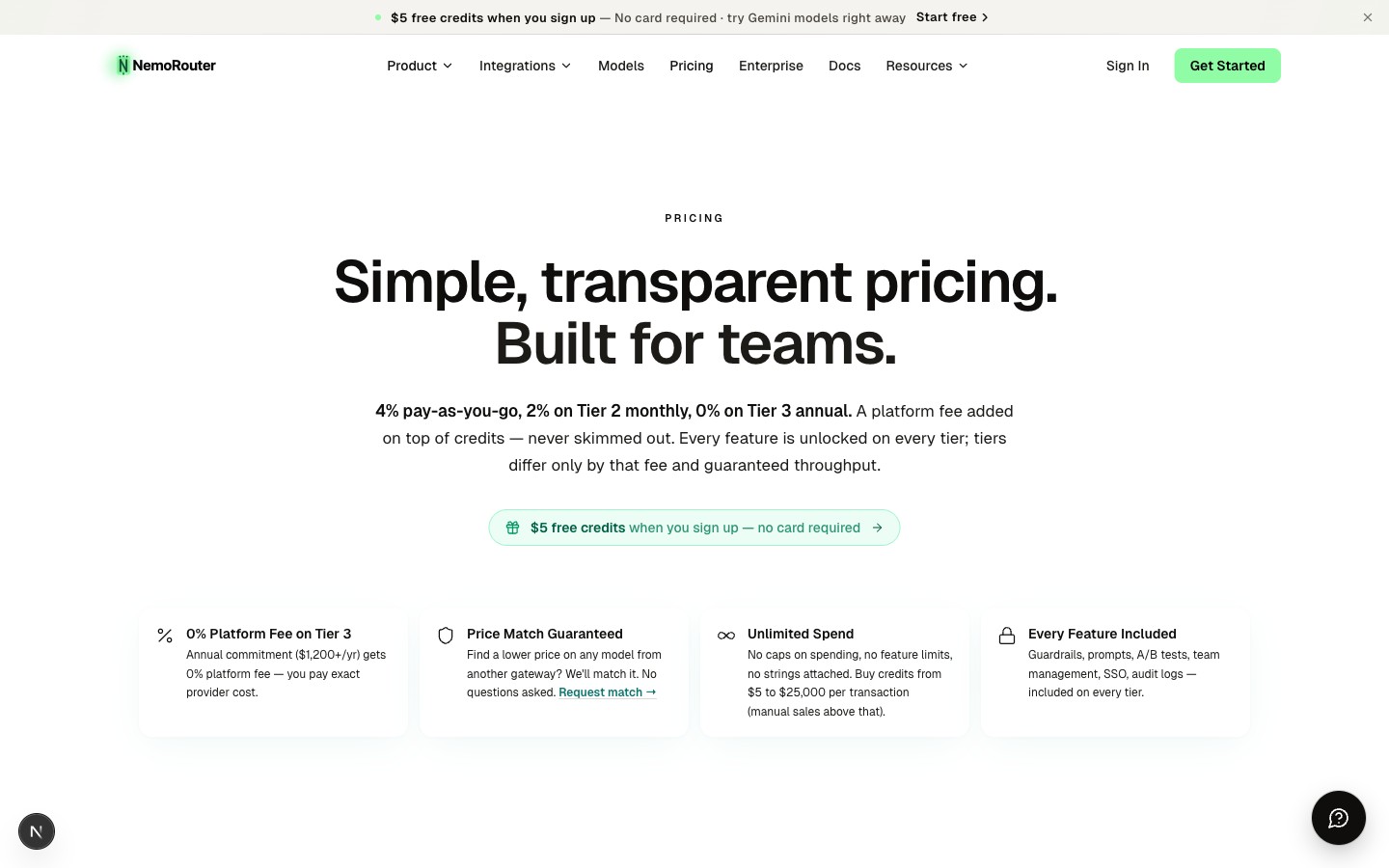
nRouter uses a credit-based system with a simple, transparent platform fee:
| Plan | Price | Monthly Usage Allowance (nrouter/auto) | Credit Top-Up Fee | Features |
|---|---|---|---|---|
| Pay as you go | $0/mo | None (credits only) | 4% of credits added on top, no minimum fee | All features included |
| Starter | $20/mo | $60/mo included | 4% of credits added on top | All features included |
| Pro | $50/mo | $100/mo included | 4% of credits added on top | All features included |
| Max | $200/mo | $400/mo included | 4% of credits added on top | All features included |
| Enterprise | Contact sales | Custom | Custom | Custom SLAs + support |
Every feature is available on every plan — guardrails, budgets, routing, prompts, analytics, SSO, audit logs. Plans differ in their included monthly nrouter/auto usage allowance, organization throughput limits, and log retention, never the feature set. Subscriptions are monthly only. The platform fee is charged on top of your credit purchases, never deducted. Pay as you go starts with a $5 minimum credit purchase, spendable across the full catalog. See the Pricing page as the live source for plan tiers and limits.
Next Steps
- Quick Start — Make your first API call in under 2 minutes
- Authentication — Learn how API keys and auth work
- Chat Completions — Explore the Chat Completions API
- Python SDK — Get started with the Python SDK