

Playground
Test, compare, and benchmark LLM models interactively in the nRouter Playground. Experiment with prompts, parameters, guardrails, and inspect token latency.
Last updated
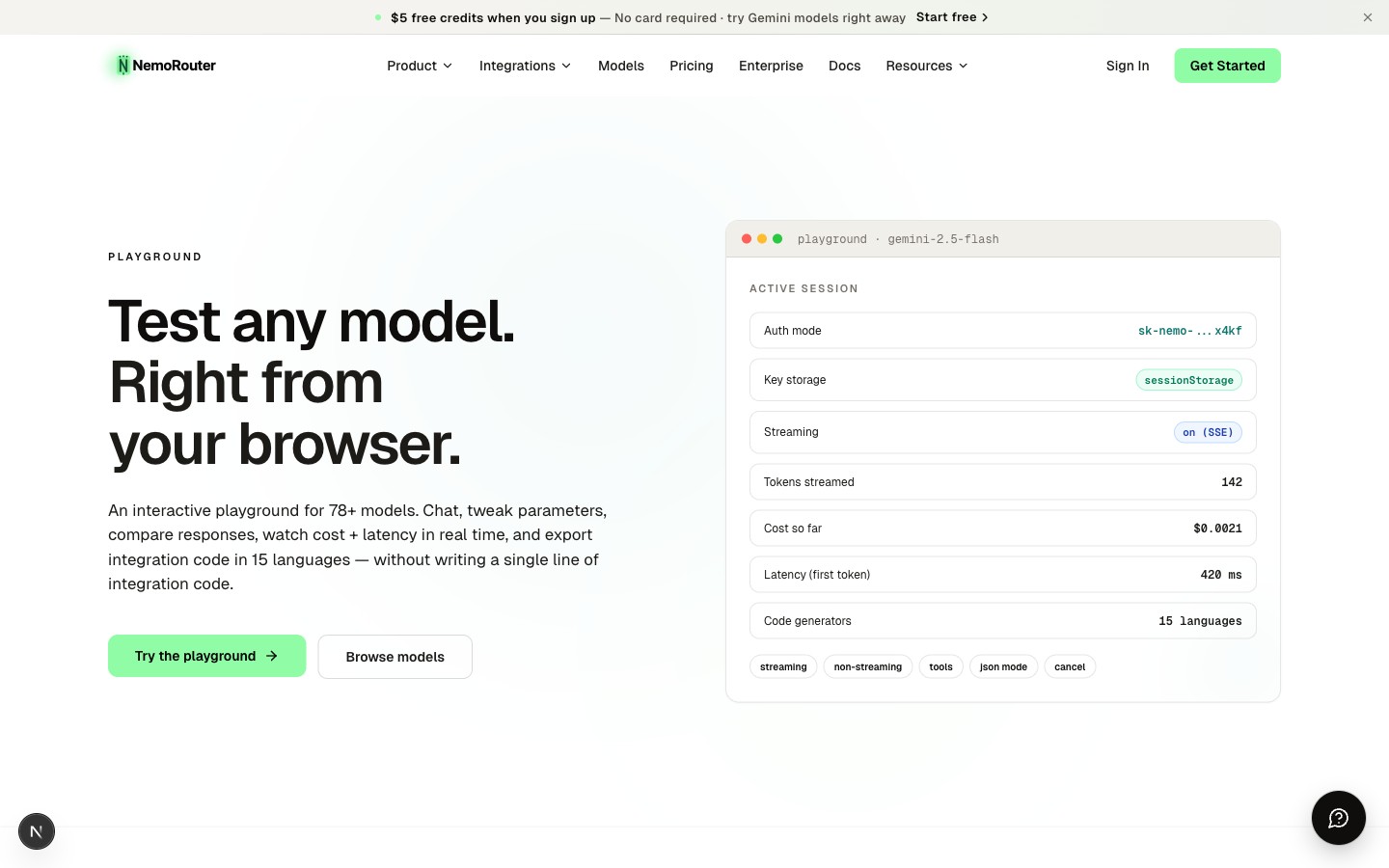
The Playground is the fastest way to evaluate nRouter without writing code. Paste your virtual API key, pick a model, and start chatting — every request runs through the same gateway your production code will use, so you see real latency, real cost headers, and real guardrail behavior.
What it does
The Playground is a single-page chat UI that calls https://api.nrouter.ai/v1/chat/completions directly from your browser. It's the same endpoint and the same auth model your SDK code uses — there is no separate "test environment". This means:
- Your virtual key's rate limits, budgets, and guardrails apply exactly as they would in production
- Every request shows up in your observability logs with the playground key alias
- Cost headers (
x-nr-request-cost) settle against the same credit balance
Setup
The Playground requires you to paste your virtual API key (sk-nrouter-...). The key is stored in your browser's sessionStorage only — it's cleared the moment you close the tab. nRouter never stores a playground-pasted key server-side; it's sent with each call only to authenticate that request, exactly like any production API call.
Why paste a key instead of using your login session?
It's a deliberate security decision. As described in Authentication, all LLM inference requests must authenticate with a virtual key — never a master key. Even though you're logged into the dashboard, the dashboard's session token can't make LLM calls. You paste a virtual key so the request is properly attributed, rate-limited, and budget-enforced like any other production call.
![Playground at /[organization]/playground — model picker, message thread, parameter sliders, and the API-key paste field](/_next/image?url=%2F_next%2Fstatic%2Fmedia%2Fdashboard-playground.0ls9k_de90wo0.jpg&w=3840&q=75)
Picking a model
The model dropdown lists every model your organization can call right now. Each entry shows the provider, the routing alias (the value you'd pass as model in the API), and a one-line capability summary.
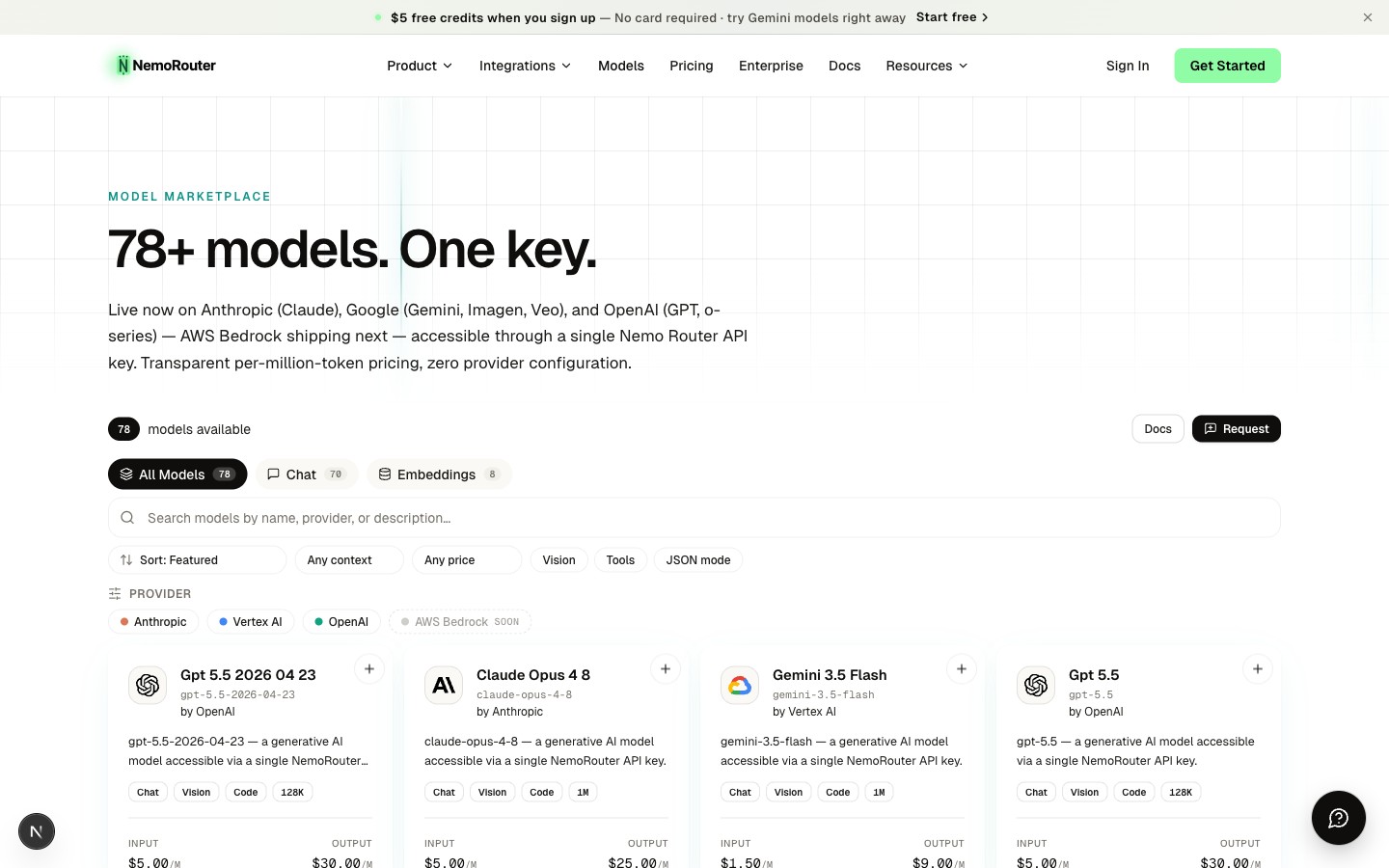
Switching models is instant — the next message you send goes to the new model. There is no provider configuration, no SDK swap, no key rotation.
Parameters
The sidebar lets you tune:
| Parameter | Range | Effect |
|---|---|---|
temperature | 0.0 – 2.0 | Sampling randomness. 0 is deterministic, 1 is balanced, 2 is wild. |
max_completion_tokens | 1 – model max | Hard cap on response length |
top_p | 0.0 – 1.0 | Nucleus sampling — alternative to temperature |
system prompt | free text | Sets the assistant's persona / task framing |
These are passed straight through to the chat-completions endpoint. They behave exactly like they do in your SDK code.
Code generation
Every conversation has a View Code button. It generates the exact SDK code that would reproduce the current message thread — in cURL, Python, Node.js, or any of 15 supported languages. This is the canonical bridge between exploration and integration: prototype in the playground, copy the code, paste into your codebase.
The generated code mirrors nrouter-sdk/examples/ (the SDK documentation source of truth), so what you see in the playground is what runs in your production app.
Observability
Every playground request is logged just like a production request. After sending a message:
- Open
/[organization]/logsin another tab - Filter by your playground key alias
- Click into the most recent log row to see the full request/response, token counts, latency breakdown, and cost
This is the fastest way to confirm guardrails fired, that a prompt template was applied, or that an A/B test routed traffic correctly.
![Observability log at /[organization]/logs — request status, model, latency, token counts, and cost per call](/_next/image?url=%2F_next%2Fstatic%2Fmedia%2Fdashboard-observability-row.2043yc7u-h1v8.jpg&w=3840&q=75)
When to use the Playground vs. the public playground
| Surface | URL | Auth | Best for |
|---|---|---|---|
| Dashboard playground | /[organization]/playground | Logged in + virtual key | Real testing — your guardrails, your budgets, your logs |
| Public playground | /product/playground | Anonymous + virtual key | Quick demos, sharing a model evaluation with a teammate |
Both call the same API. The dashboard version inherits your org's configuration; the public version is org-agnostic until you paste a key.
Errors you'll see
| Status | Meaning | Fix |
|---|---|---|
401 | Invalid key | Paste a valid sk-nrouter-... key |
402 | Out of credits | Top up from /[organization]/billing |
429 | Rate limit exceeded | Wait and retry, or raise the key's RPM/TPM |
400 (with guardrail_triggered) | Content blocked by a guardrail | Adjust the prompt or guardrail scope |
FAQ
Do I need to write any code to use the Playground?
No. Paste your virtual API key, pick a model from the dropdown, and start chatting — the Playground is a browser chat UI, so you can evaluate a model without touching your codebase. When you're ready to integrate, the View Code button generates the equivalent SDK snippet for you.
Which key do I paste, and is it stored anywhere?
You paste a virtual key (sk-nrouter-...). It lives only in your browser's sessionStorage and is cleared the moment you close the tab — nRouter never stores a playground-pasted key server-side (it's sent with each call only to authenticate that request). You paste a virtual key (rather than relying on your dashboard login) because all LLM requests must authenticate with a virtual key so the call is properly attributed, rate-limited, and budget-enforced.
Do Playground requests cost real money and count against my credits?
Yes. The Playground calls the same https://api.nrouter.ai/v1/chat/completions endpoint your production code uses, and each request's cost (reported in the x-nr-request-cost header) settles against the same credit balance. There is no separate free "test environment."
Do my rate limits, budgets, and guardrails apply in the Playground?
Yes — exactly as they would in production. Because it hits the same endpoint with the same virtual key, your key's rate limits, budgets, and guardrails all apply, and a blocked request returns the same errors your app would get.
Can I cap how much the Playground is allowed to spend?
Yes. Since Playground calls run through a specific virtual key, you can set a per-key budget on that key to limit how much testing can spend. See Budget Controls for how per-key budgets work.
Which models can I test in the Playground?
The model dropdown lists every model your organization can call right now, each showing the provider, the routing alias (the value you'd pass as model in the API), and a one-line capability summary. Switching models is instant — the next message you send goes to the new model, with no provider config or key change.
Can I adjust parameters like temperature and max_completion_tokens?
Yes. The sidebar lets you set temperature (0.0–2.0), max_completion_tokens (1 to the model's max), top_p (0.0–1.0), and a system prompt. These pass straight through to the chat-completions endpoint and behave identically to your SDK code.
How do I turn a Playground conversation into code I can ship?
Every conversation has a View Code button that generates the exact SDK code to reproduce the current message thread — in cURL, Python, Node.js, or any of the 15 supported languages. The snippets come from the canonical SDK examples, so what you copy is what runs in your app.
Where do I see the logs, latency, and cost for a Playground request?
Every Playground request is logged just like a production request. Open Request Logs at /[organization]/logs, filter by your playground key alias, and click the most recent row to see the full request/response, token counts, latency breakdown, and cost — the fastest way to confirm a guardrail fired or a prompt template was applied.
What errors might I see in the Playground, and how do I fix them?
Four common ones: 401 means the key is invalid (paste a valid sk-nrouter-... key); 402 means you're out of credits (top up from /[organization]/billing); 429 means you hit a rate limit (wait and retry, or raise the key's RPM/TPM); and a 400 with guardrail_triggered means a guardrail blocked the content (adjust the prompt or the guardrail scope).
Next Steps
- Quick Start — Make the same call from your code
- Authentication — How virtual keys work
- Chat Completions — Full API reference for the endpoint the Playground calls
- Budget Controls — Cap playground spend with a per-key budget
Dashboard Overview
Take a comprehensive tour of the nRouter dashboard. Learn how to manage API keys, monitor real-time usage, configure guardrails, and enforce team budgets.
API Key Management
Manage nRouter virtual API keys with granular scopes, zero-downtime rotation, environment separation, key expiration limits, and IP address allowlists.