The Problem with LLM Access Today
Every team building with AI hits the same wall. You need API keys from OpenAI, Anthropic, Google, Cohere, and a dozen more providers. Each has its own authentication, pricing model, rate limits, and SDK. Your engineers spend weeks writing provider-specific integration code instead of building product features.
Existing solutions force a choice: run a self-hosted open-source proxy and manage everything yourself, or pay an enterprise vendor for a closed-source gateway with opaque pricing. Neither option gives you both transparency and the operational simplicity of a managed platform.
What nRouter Does
nRouter is an enterprise LLM gateway. We provide a single API endpoint that routes to models across every major provider — OpenAI, Anthropic, Google Vertex AI, Azure OpenAI, AWS Bedrock, Cohere, Mistral, and more.
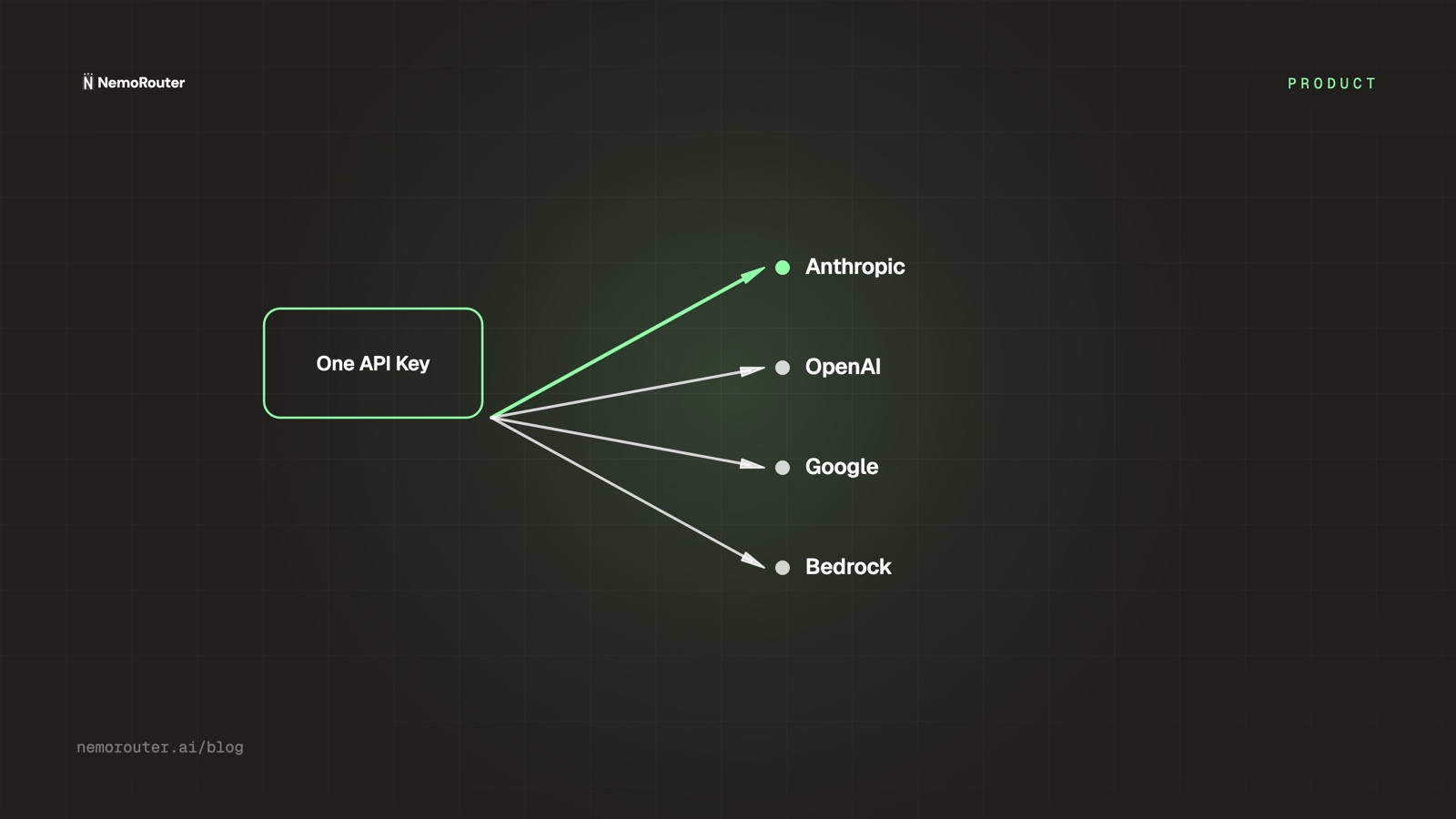
Your team gets one API key and one bill. No provider configuration, no key management, no cost reconciliation across vendors.
How It Works
nRouter sits in front of every model provider as a single managed gateway. Your team manages everything — auth, billing, analytics, team management, and observability — from one dashboard, while every request runs through guardrails, prompt templates, A/B tests, and cost tracking before it is routed to the right provider with automatic load balancing and failover.
You point your code at one endpoint; nRouter handles the rest.
Request flow
What happens inside nRouter when your app calls a model.
Your application
OpenAI SDK · sk-nemo-…
Nemo Rust Gateway
direct customer inference
- Virtual-key auth · tenancy
- Route · IP · lifecycle policy
- Budgets · rate limits
- Pre-call guardrails
- Reserve credits
- Provider routing
Providers
- OpenAI
- Anthropic
- Vertex
- Bedrock
- Azure
response ↩ read cost · settle credits · log · stream back
Onboarding
From sign-up to your first API call in six steps.
Sign up
Supabase Auth
Verify email
magic-link or pwd
Choose plan
Tier 1 · 2 · 3
Set up team
Default auto-created
Create key
sk-nemo-… (once)
First call
x-nemo-* headers
One org per user · Default team auto-created · key shown once
Architecture
The services in the request path and where data lives.
Your application
Nemo Rust Gateway · :4000 local
Policy · tenancy · money
- Virtual-key auth · Guardrails
- Credits · Budgets · Rate limits
- Tenant derived from key row
Provider routing
- Provider transforms · Fallbacks
- Cost settle · Spend logging
- Canonical Postgres nemo schema
Providers
OpenAI · Anthropic · Google Vertex AI · AWS Bedrock · Azure Foundry · …
The services in the request path and where data lives.
Enterprise Features Built In
Multi-Tenancy
Each organization gets isolated resources — API keys, credit balances, budgets, guardrails, and usage analytics — with strict tenant isolation that guarantees zero cross-tenant data leakage.
Credit-Based Billing
Users purchase credits and spend them on API calls. Platform fees: a flat 4% on pay-as-you-go, and 0% on Pro. The fee is charged on top at purchase time — you always get 100% of the credits you buy. Spend is tracked accurately and protected against overspend, even under heavy concurrent load.
Guardrails and Prompt Management
Configure safety guardrails at the organization level. They apply automatically to every request, with per-request overrides available via extra_body fields. Prompt templates with version history and A/B testing let your team iterate on prompts without redeploying code.
Capacity Across Every Cloud
nRouter manages provider capacity across GCP, Azure, and AWS behind the scenes, with cost analysis and reconciliation built in — so you get reliable throughput and accurate billing without touching provider infrastructure yourself.
Getting Started
Sign up at nemorouter.ai, create your organization, and generate an API key. From there, point any OpenAI-compatible SDK at your nRouter endpoint:
import openai

client = openai.OpenAI(
    api_key="sk-nemo-your-key",
    base_url="https://api.nemorouter.ai/v1"
)

response = client.chat.completions.create(
    model="gpt-4o",
    messages=[{"role": "user", "content": "Hello from nRouter!"}]
)
No provider keys to manage. No routing logic to write. Just one key, one bill, and access to every model you need.
What Comes Next
We are actively building out SSO integrations, expanded observability dashboards, and deeper analytics for cost optimization. Follow our changelog for updates, and reach out if you want to discuss enterprise deployment options.